39
Troubleshooting
Centrifuge 5424/5424 R
English (EN)
7.3 Emergency release
If the centrifuge lid cannot be opened, you can activate the emergency release manually.
1. Pull the mains/power plug.
2. Remove the plastic cover for the emergency release on the right side of the device (see Fig. 1 and
Fig. 2).
5424: Simply remove the plastic cover.
5424 R: Turn the plastic cover 90° counterclockwise using an appropriate tool (e.g., screwdriver) and
remove it..
3. Insert the centrifuge rotor key in the rear hexagonal opening until a noticeable resistance is felt.
4. Slightly press and turn the rotor key counterclockwise.
This will release the centrifuge lid.
5. Open the centrifuge lid.
6. Remove the rotor key and fit or turn the plastic covers back on.
Only 5424 R: Turn the plastic cover using an appropriate tool (e.g., screwdriver) by 90° in a clockwise
direction.
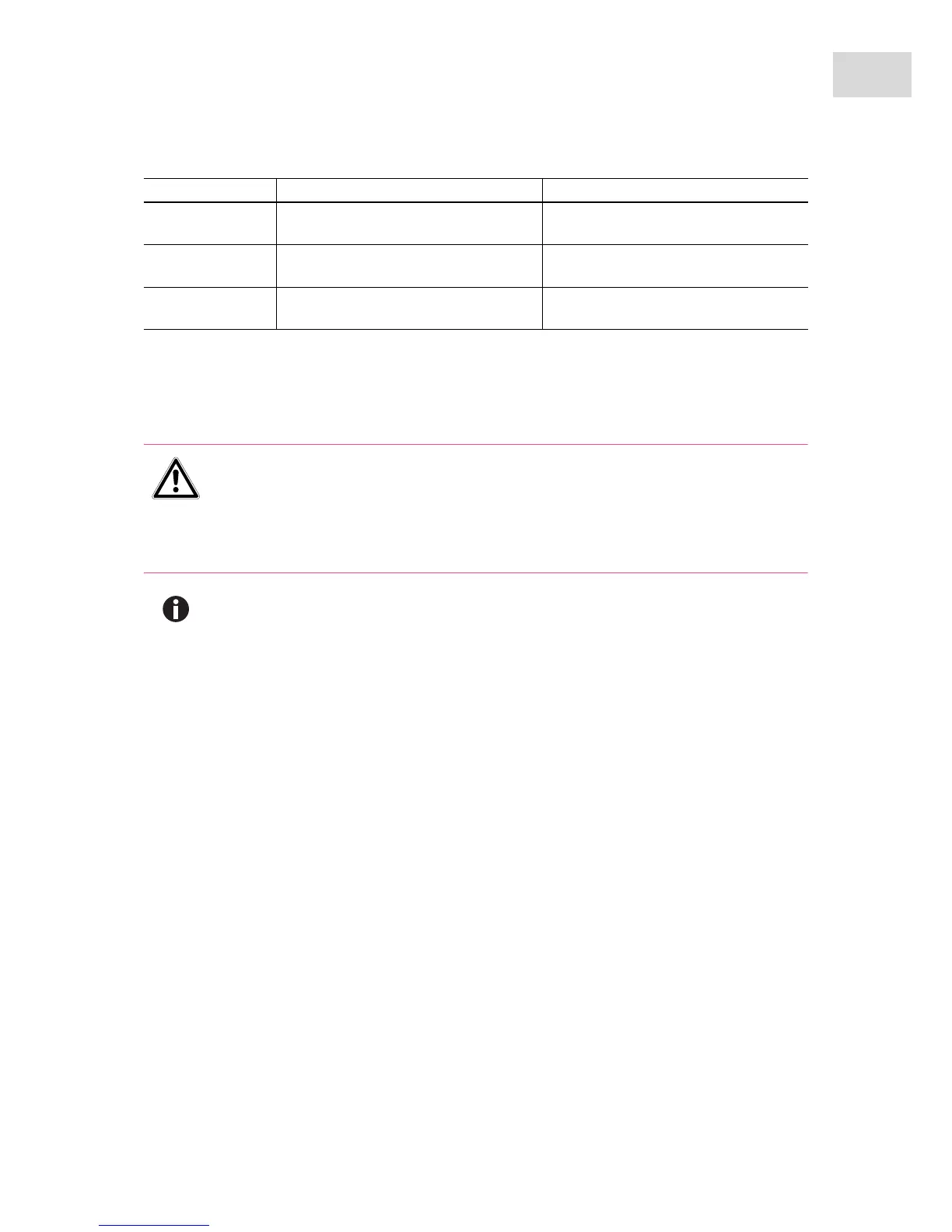
Err 20
(only 5424 R)
Temperature sensor in rotor chamber is
faulty.
Switch centrifuge off and back on
again after > 20 s.
Err 21
(only 5424 R)
Temperature sensor on condenser is
faulty.
Switch centrifuge off and back on
again after > 20 s.
Err 24
(only 5424 R)
Cooling unit error, e.g. overheating
Allow the centrifuge to cool down and
repeat the run.
WARNING! Risk of injury from rotating rotor.
If the emergency release of the lid is operated, the rotor may continue rotating for several
minutes.
Wait until the rotor stop before operating the emergency release.
Check the monitoring glass in the centrifuge lid.
Use the rotor key delivered with the Centrifuge 5424/5424 R for the emergency release.
Symptom/message Cause Remedy



 To Next Page