8
Assembling
Attaching to the IR Series
The DM-D500 can be attached directly to the IR Series using the “DM-D
pole unit for IR” (DP-504).
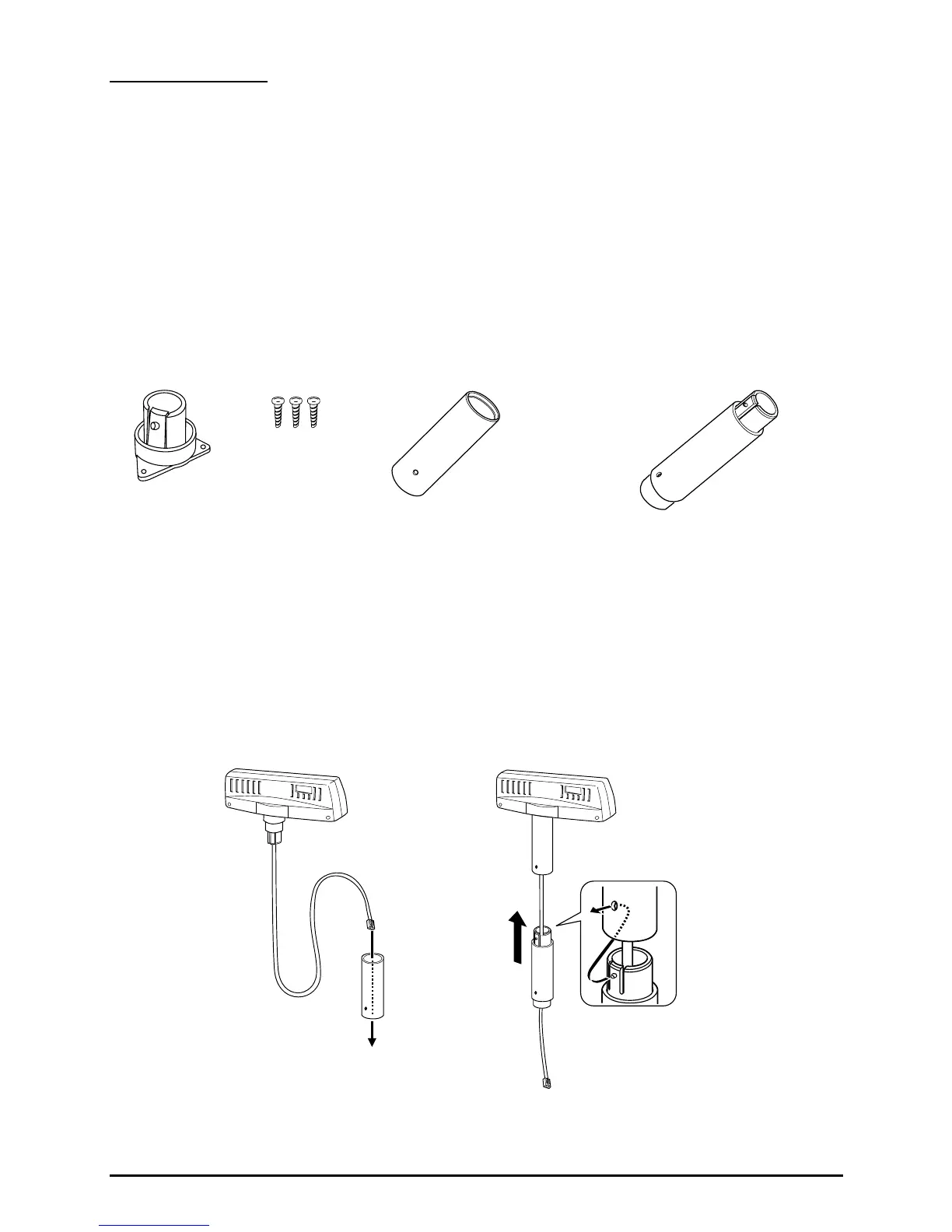
Required items
The following items are used to attach the DM-D500 to the IR Series.
These items are packed with the “DM-D pole unit for IR” (DP-504).
Assembling steps
1. Pass the cable for the DM-D500 through support A, and attach
support A to the DM-D500.
When using support B for extension, insert the tab on support B
into the hole on support A until you feel it click.
base
fixing screws
support B
(for extension)
support A
When using support B for
extension



 To Next Page