Printing From Start to Finish 27
4. You can also do the following:
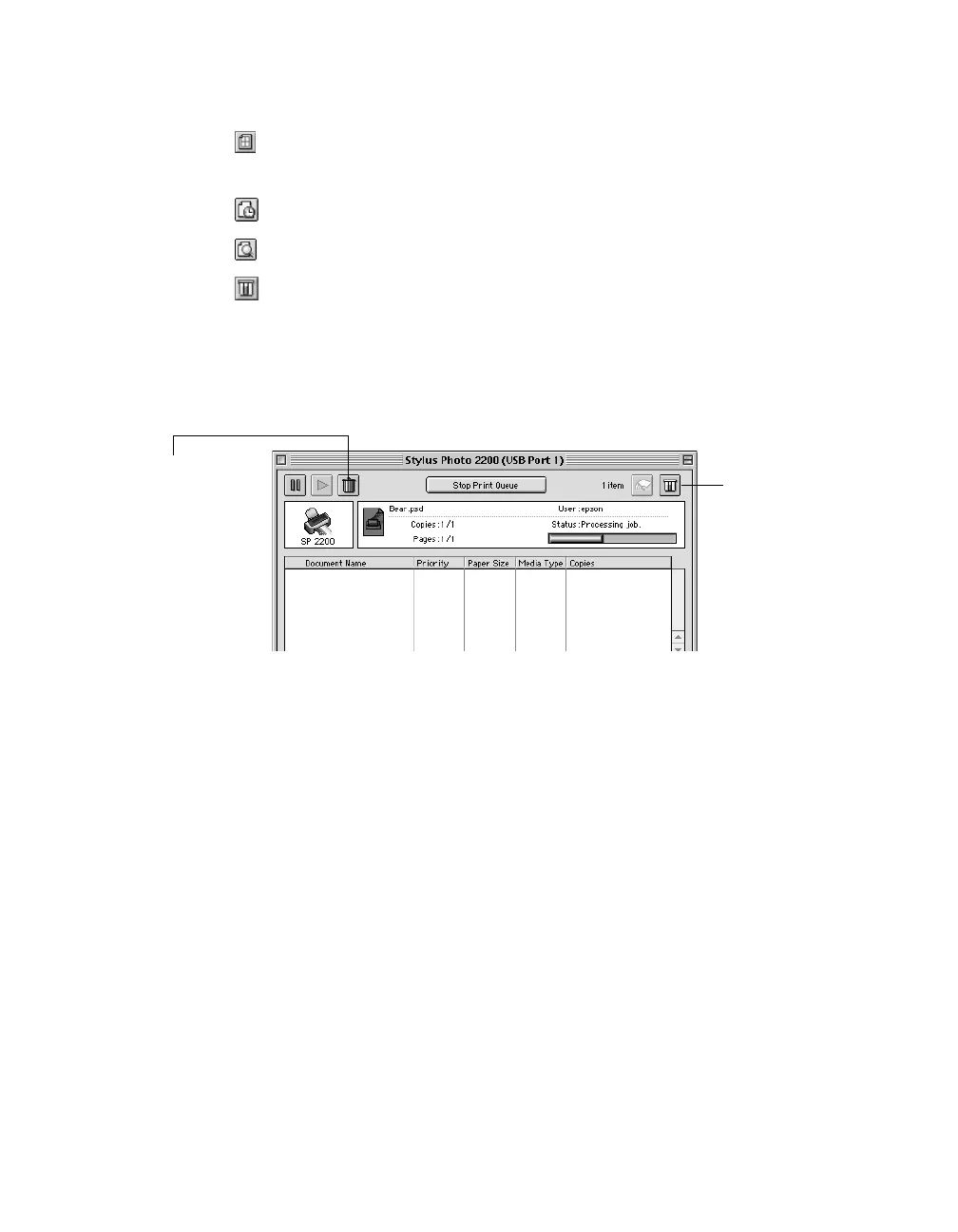
■ Click to reduce or enlarge your printed image, print multiple layouts, or
add a watermark.
■ Click to control background printing.
■ Click , then click Preview to preview your printout.
■ Click to check your ink levels.
5. Click Print.
6. If you turned on background printing, select EPSON Monitor3 from the
Application menu in the upper right corner of the screen. You see this window:
Note: If you’re not using background printing and you need to cancel printing,
hold down the J key and press the
. (period) key.
Select your print job,
then click here to
cancel printing
Click to check
ink levels










 To Next Page