1
Getting to Know Your Scanner
1-5
Lights and Buttons
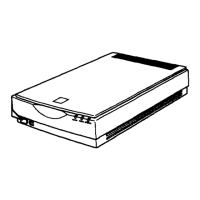
The scanner has two indicator lights and two buttons.
Lights
Light Color Indicator
Status
Meaning
Indicator
Green On Ready to scan images.
Flashing
slowly
Initializing or busy scanning.
Red Flashing
rapidly
An error has occurred. See
“Troubleshooting” in your
Online Reference Guide
for
more information.
(None) Off The scanner is turned off.
TPU
Blue On The integrated TPU is turned
on.
(None) Off The integrated TPU is turned
off.
Indicator light
Start button
Operate button
TPU light






 To Next Page