2
Scanning Basics
2-3
4. In the application, open EPSON TWAIN 5 using a command
such as Acquire.
5. EPSON TWAIN automatically previews the images, and
recognizes the document source and type. Images are
automatically optimized and scanned.
6. Save the scanned images.
Note:
For more details, see your Online Reference Guide.
Placing a Document on the Scanner
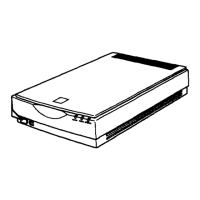
1. Open the integrated TPU.
Note:
Do not place heavy objects on the glass of the document table. Also,
do not press the glass of the document table with too much force.






 To Next Page