2
Scanning Basics
2-5
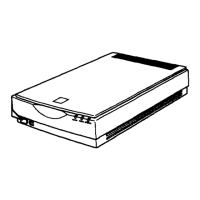
4. Place the document on the document table, with the side to
be scanned facing down. Make sure that the document is
carefully aligned with in the corner of the document table as
shown below.
Note:
The area with a width of maximum 2.1 mm from the horizontal guide
and 1.5 mm from the vertical guide is not scanned.
2.1 mm (max.)
1.5 mm (max.)






 To Next Page