EPSON Perfection 610 Revision B
Assembly and Disassembly Disassembly Procedures 27
4.2 Disassembly Procedures
4.2.1 Releasing the Carriage Lock
1. Using a standard screw driver, release the Carriage Lock located at
the left side of the scanner body.
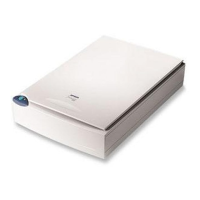
Figure 4-2. Carriage Lock Location
CAUTION
When locking the carriage for transporting the
scanner, make sure the carriage is at the home
position.
: Released
: Locked








 To Next Page