EPSON Perfection 610 Revision B
Assembly and Disassembly Disassembly Procedures 28
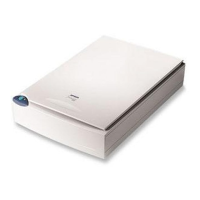
4.2.2 Document Cover Removal
1. Open the Document Cover.
2. Holding the Document Cover by the edges, release the two hooks
by pushing the cover to the rear as shown in Figure 4-4.
Figure 4-3. Document Cover Removal (1)
Figure 4-4. Document Cover Removal (2)
Document Cover
Hooks







 To Next Page