26 Making Basic Adjustments
Focusing and Zooming
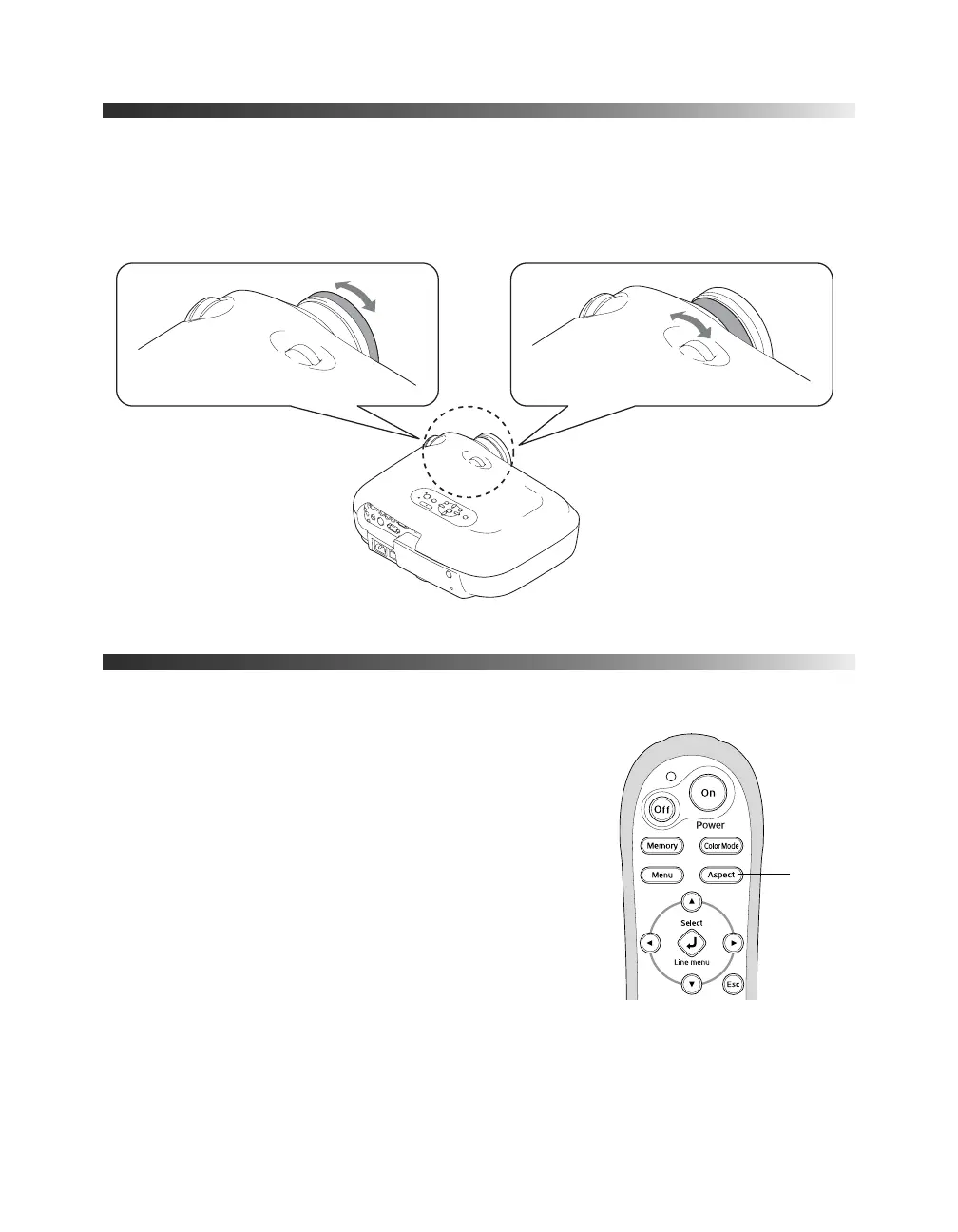
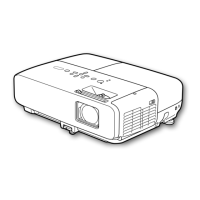
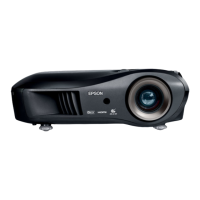
Sharpen or reduce the focus using the focus ring.
Zoom into or out of the picture using the zoom ring.
Choosing the Aspect Ratio
In many cases, video signals are automatically resized to fit
on your screen when
Auto is selected as the Aspect setting.
You may need to change the size of the image (or aspect
ratio) for certain image types by pressing the
Aspect
button on the remote control.
If your video source is connected to the HDMI, S-Video,
or Video port—or the Component port when it is
outputting 525i or 525p signals—select
Auto to
automatically display your image in the correct size.
Focus ring
Zoom ring
Tele
Wide
Aspect
button
PowerLite Cinema Pro 810.book Page 26 Thursday, December 6, 2007 11:25 AM


 To Next Page