Maintenance 51
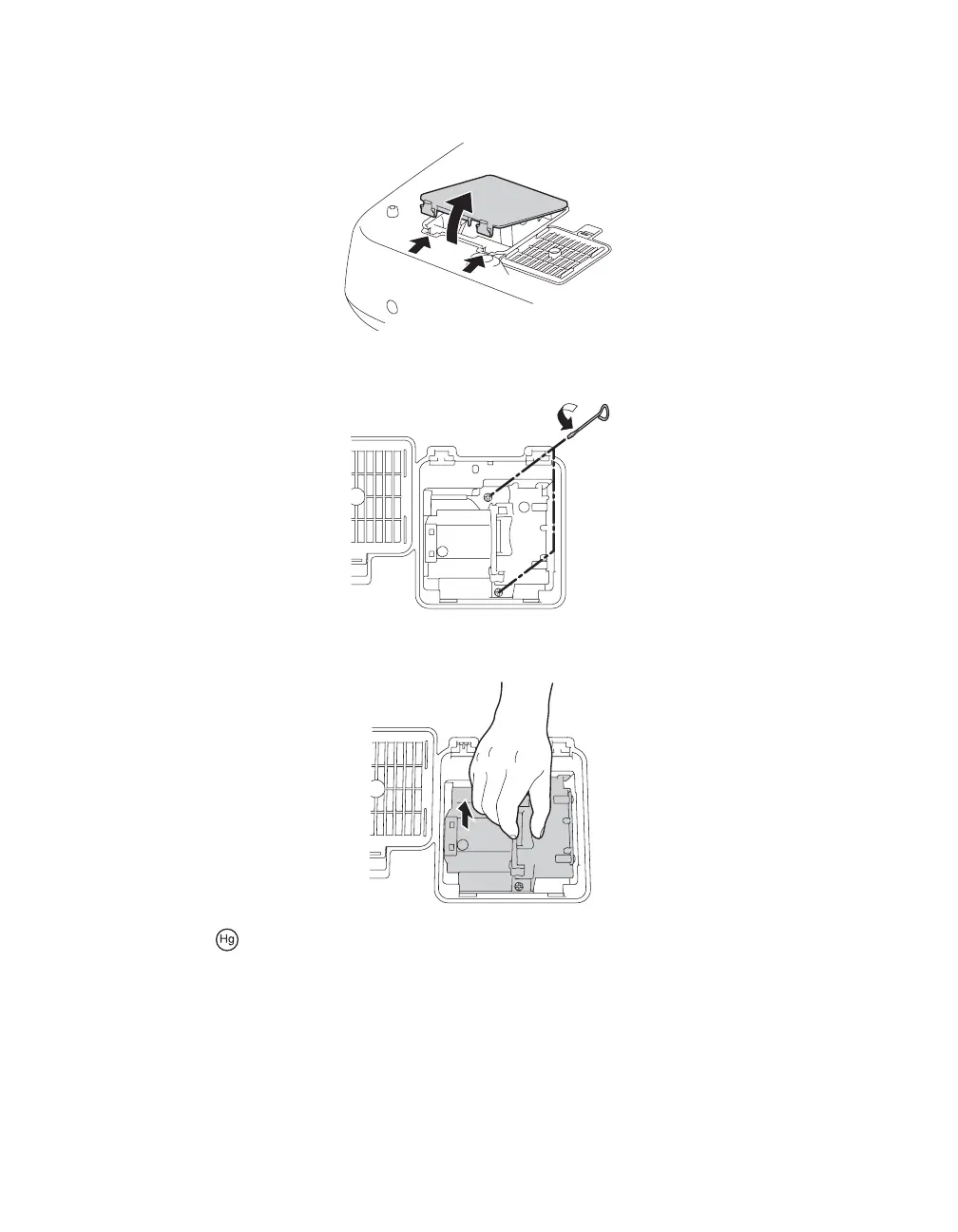
5. Press in the latches securing the lamp cover and lift off the cover.
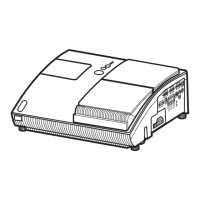
6. Loosen the two screws securing the lamp (they don’t come all the way out).
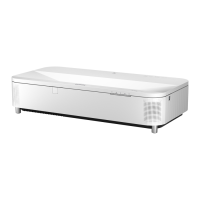
7. Grasp the lamp as shown and pull it straight out.
Warning: The lamp(s) in this product contain mercury. Please consult your state and local
regulations regarding disposal or recycling. Do not put in the trash.
PowerLite Cinema Pro 810.book Page 51 Thursday, December 6, 2007 11:25 AM


 To Next Page