Custom Printing
3-28
If you want to print this document at the maximum size on
4 × 6-inch EPSON Photo Paper, you’ll use the Fit to Page
option to reduce the document to that size. If you want to
print this document at the maximum size on Legal-size
paper (8 1/2 × 14 inches), you’ll use the Fit to Page option
to enlarge the document to that size.
4. Click OK to close the Page Setup dialog box.
5. Now open the File menu and select
Print.
6. Click the
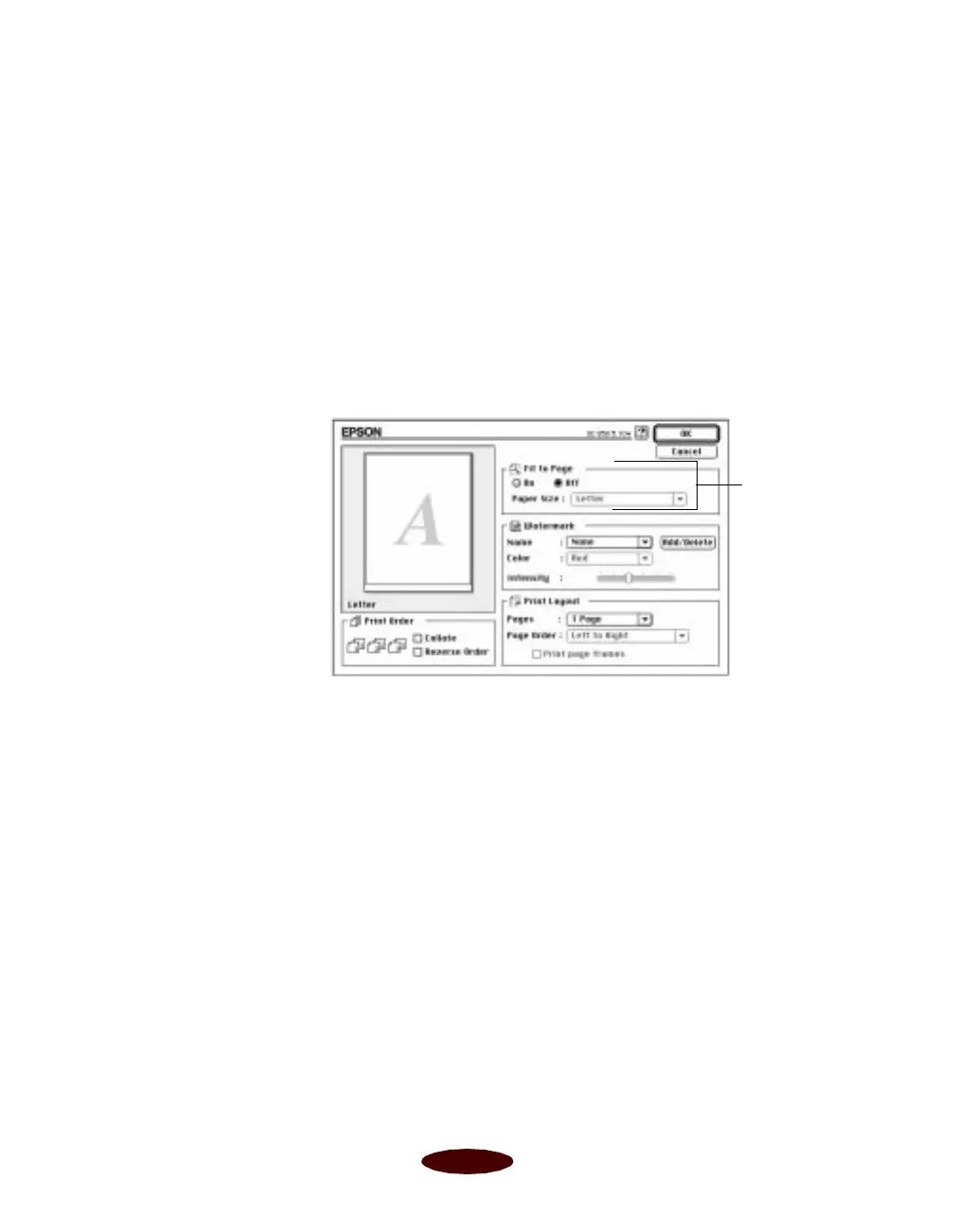
Layout button. You see the Layout dialog box:
Fit to Page
options
Easch3.fm5 Page 28 Tuesday, March 24, 1998 1:14 PM



 To Next Page