18
13. Click OK to close the printer software and return to your application’s Print
dialog box.
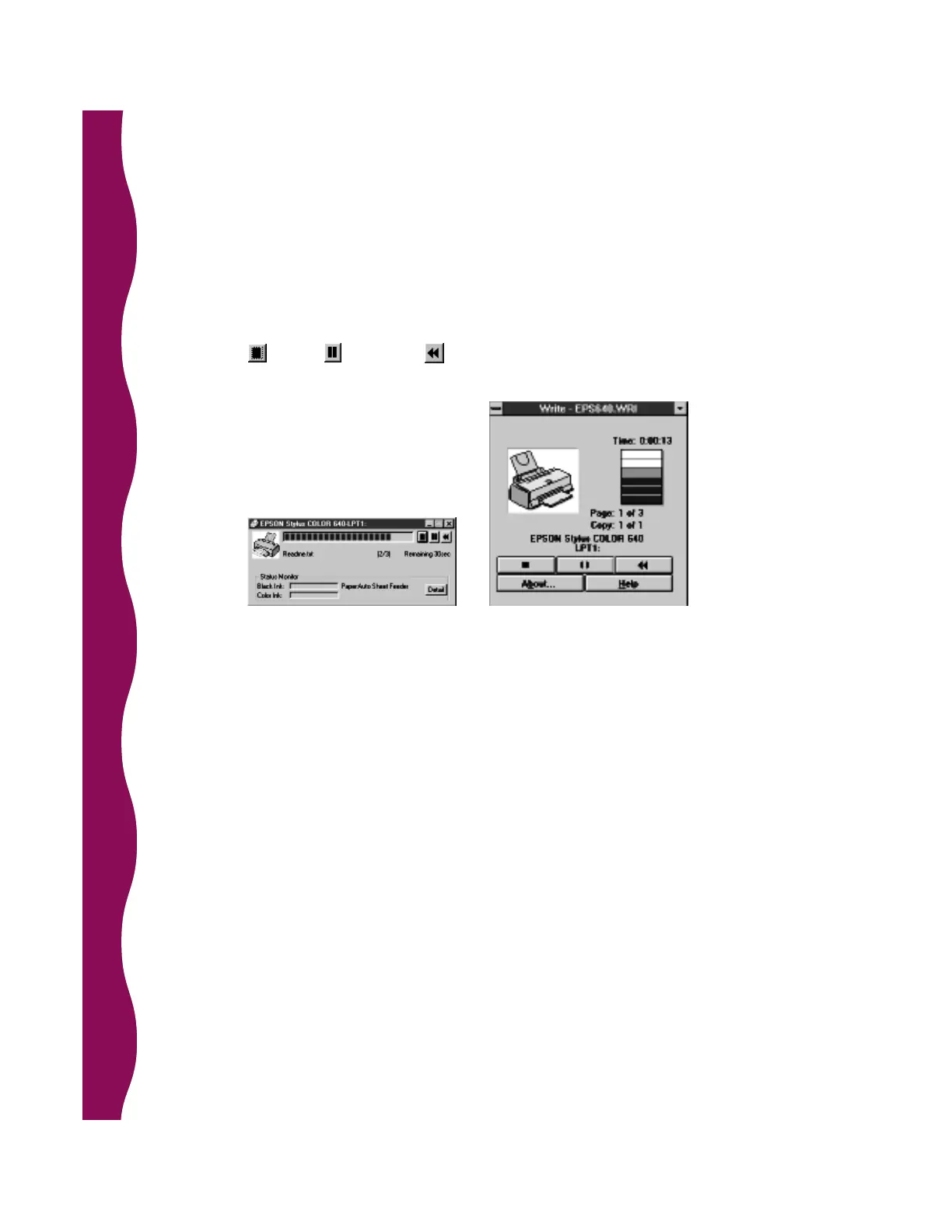
14. Click OK to start printing. After a moment, the Progress Meter (Despooler in
Windows 3.1) will appear and show the progress of your print job. You can
cancel , pause , or restart your print job as necessary.
Progress Meter
(Windows 95, 98, NT)
Despooler
(Windows 3.1)










 To Next Page