EasyManua.ls Logo

Epson CX7300 - Step 3: Remove the Cartridge Cover; Step 4: Install Original Cartridges

Epson CX7300
7 pages
Print Icon
To Next Page IconTo Next Page
To Previous Page IconTo Previous Page
Loading...
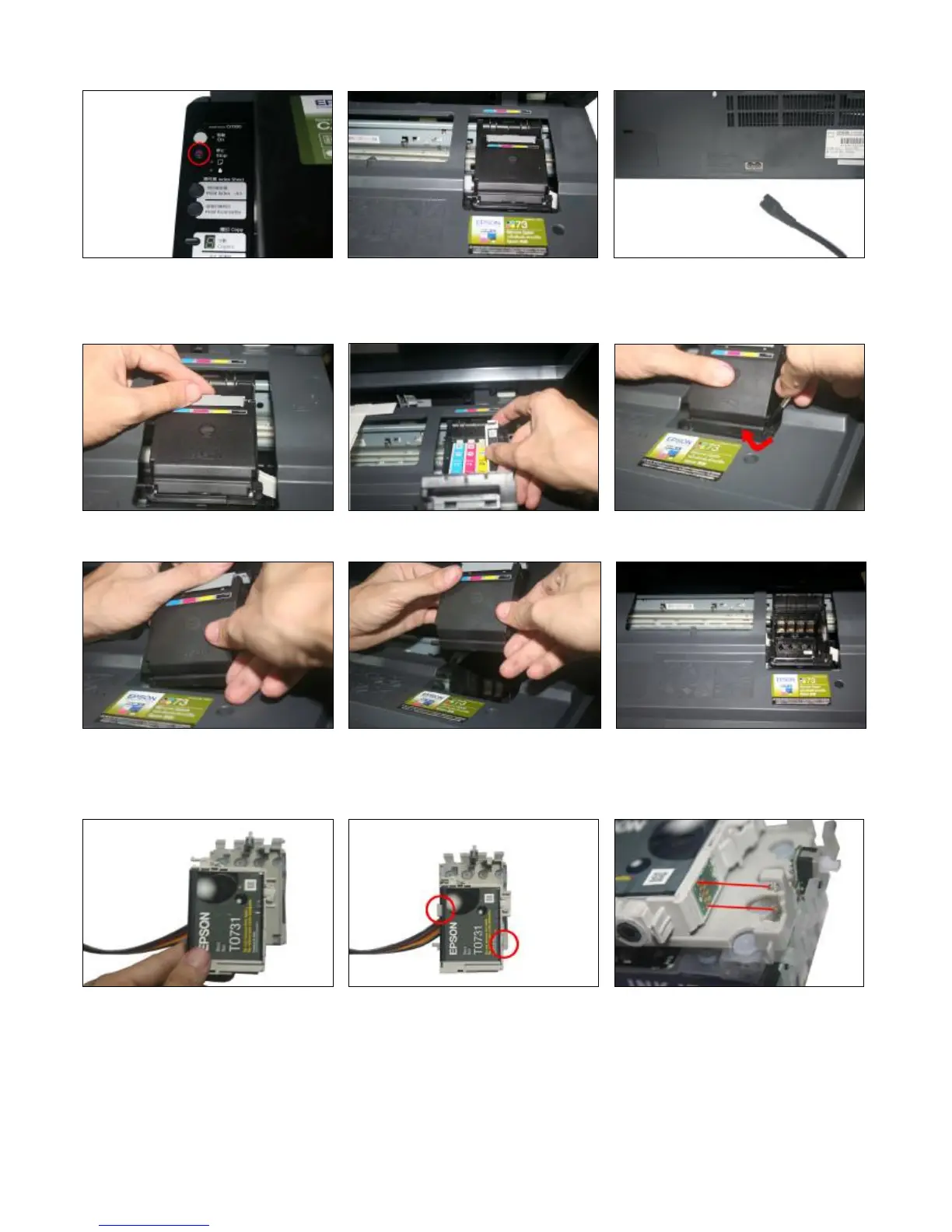
Press the ink-changing button Carriage move out Pull out the power line of the printer and
move the carriage to the right side.
Step 3: Remove the cartridge cover
Open the cartridge cover Take out the original cartridges prize the cover lightly along with the gap with
screwdriver
Take one side first. Then take out the whole cover Carriage is empty and get ready for putting in
the new CISS
Step 4: Install Original Cartridges
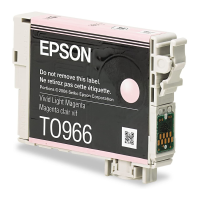
Put the original cartridge above the CIS Press the cartridge down until it is locked The two metal sheets at the top and bottom
Cartridges. by the two clips. Should match the two springs.

Related product manuals