2. Press the down arrow button, select Universal Print Settings, and press the OK button.
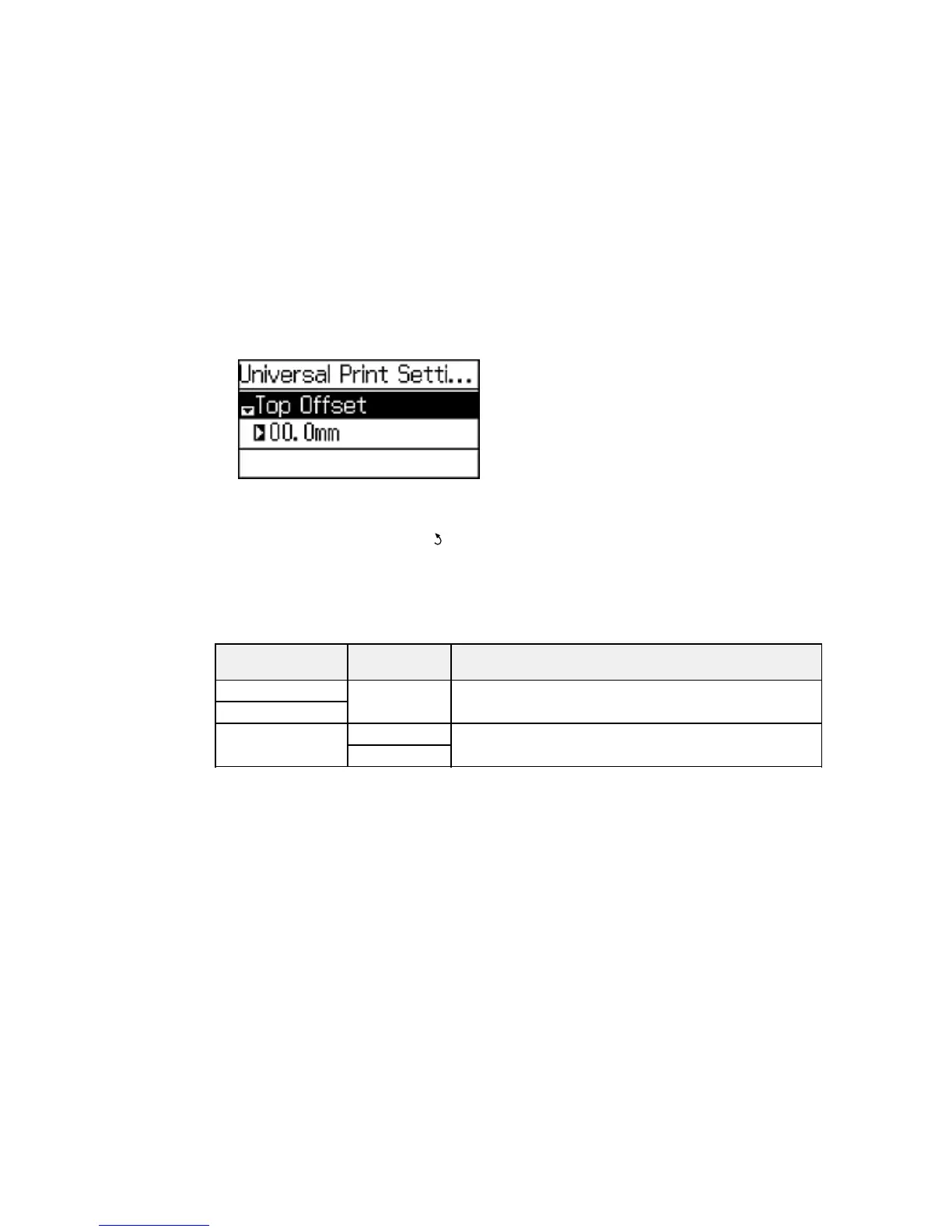
You see this screen:
3. Adjust the settings as necessary.
4. When you are finished, press the back button to return to the Home screen.
Universal Print Settings Options
Parent topic: Selecting the Paper Settings - Control Panel
Universal Print Settings Options
Select the universal print settings you want to use.
Universal Print Available Description
Settings option settings
Top Offset — Adjusts the top or left margin.
Left Offset
Skip Blank Page On Select On to skip blank pages automatically.
Off
Parent topic: Selecting Universal Print Settings
52



 To Next Page