Printing
Printing from the Control Panel
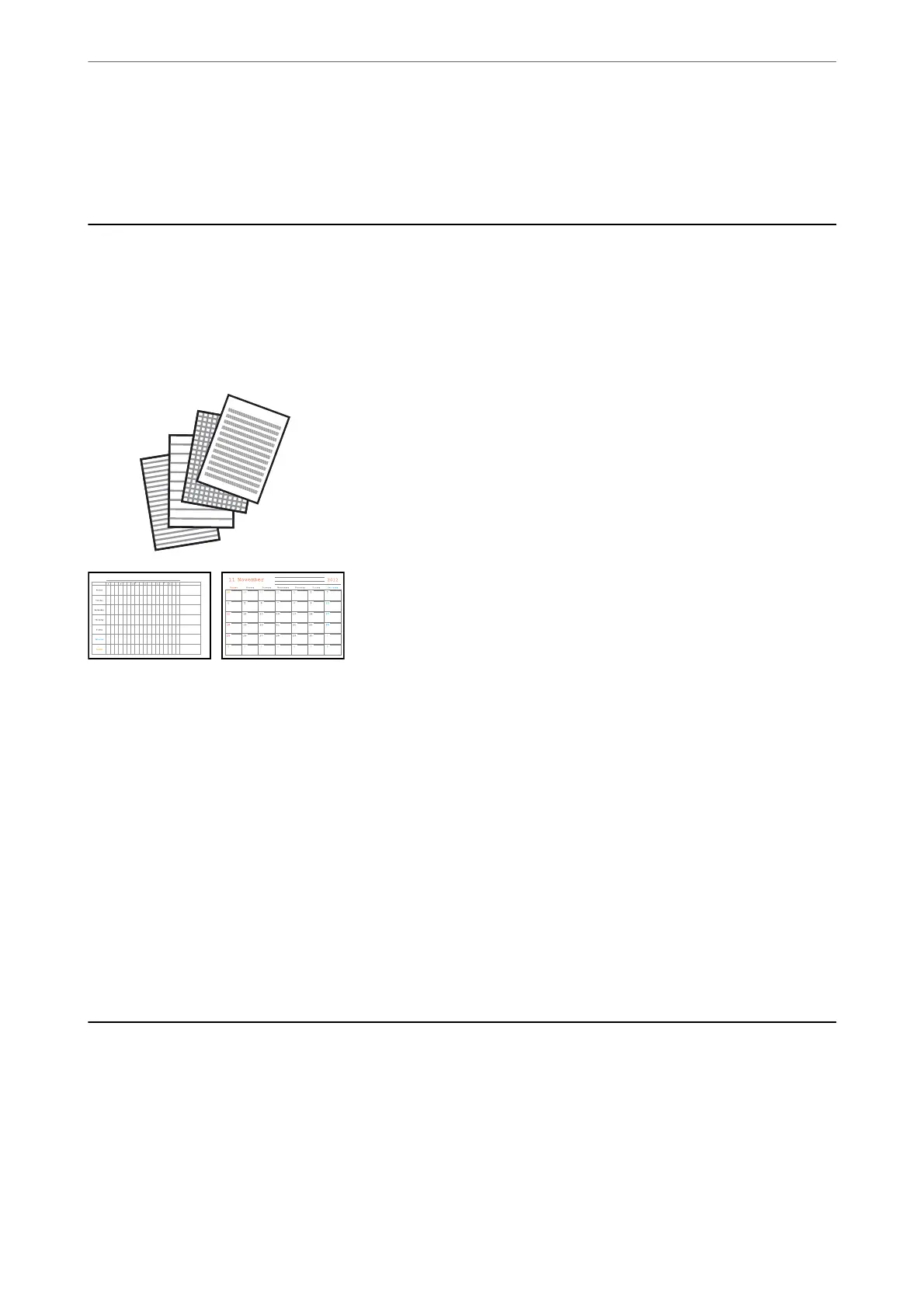
Printing Lined Paper and Calendars
You can easily print lined paper and calendars using the Personal Stationery menu.
1.
Load paper in the printer.
2.
Select Personal Stationery on the home screen.
To select an item, use the
u
d
l
r
buttons, and then press the OK button.
3.
Select a menu item.
4.
Follow the on-screen instructions to print.
Related Information
& “Loading Paper in the Rear Paper Feed” on page 48
& “List of Paper Type” on page 48
Printing from a Computer
Printing Basics - Windows
Note:
❏ See the online help for explanations of the setting items. Right-click an item, and then click Help.
❏ Operations dier depending on the application. See the application's help for details.
Printing
>
Printing from a Computer
>
Printing Basics - Windows
56



 To Next Page
 Loading...









