6.
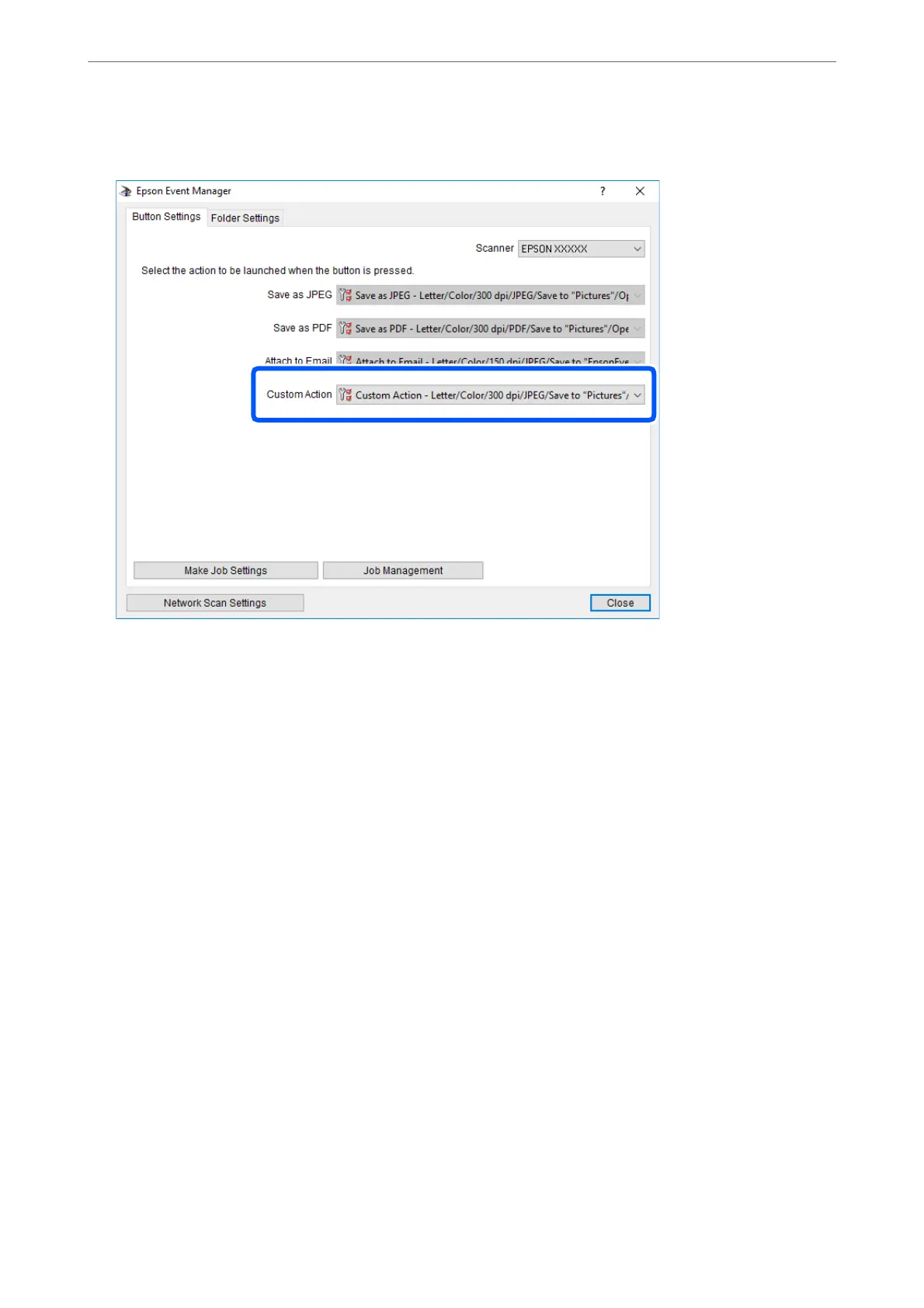
Make sure that the Custom Action is selected on the Custom Action list.
7.
Click Close to close Epson Event Manager.
Scanning Using WSD
Note:
❏ is feature is only available for computers running English version of Windows 10/Windows 8.1/Windows 8/Windows
7/Windows Vista.
❏ If you are using Windows 7/Windows Vista, you need to setup your computer in advance using this feature.
1.
Place the originals.
2.
Enter Scan from the home screen using the
l
or
r
button, and then press the OK button.
3.
Select To WSD using the
l
or
r
button, and then press the OK button.
4.
Select a computer.
5.
Press the
x
button.
Note:
e color, size, and border of the scanned image will not be exactly the same as the original.
Related Information
& “Placing Originals” on page 52
Scanning
>
Scanning Using the Control Panel
>
Scanning Using WSD
88



 To Next Page
 Loading...









