Making Custom Settings in Epson Event Manager
You can set the scan settings for To C omputer (Custom) in Epson Event Manager.
See the Epson Event Manager help for details.
1.
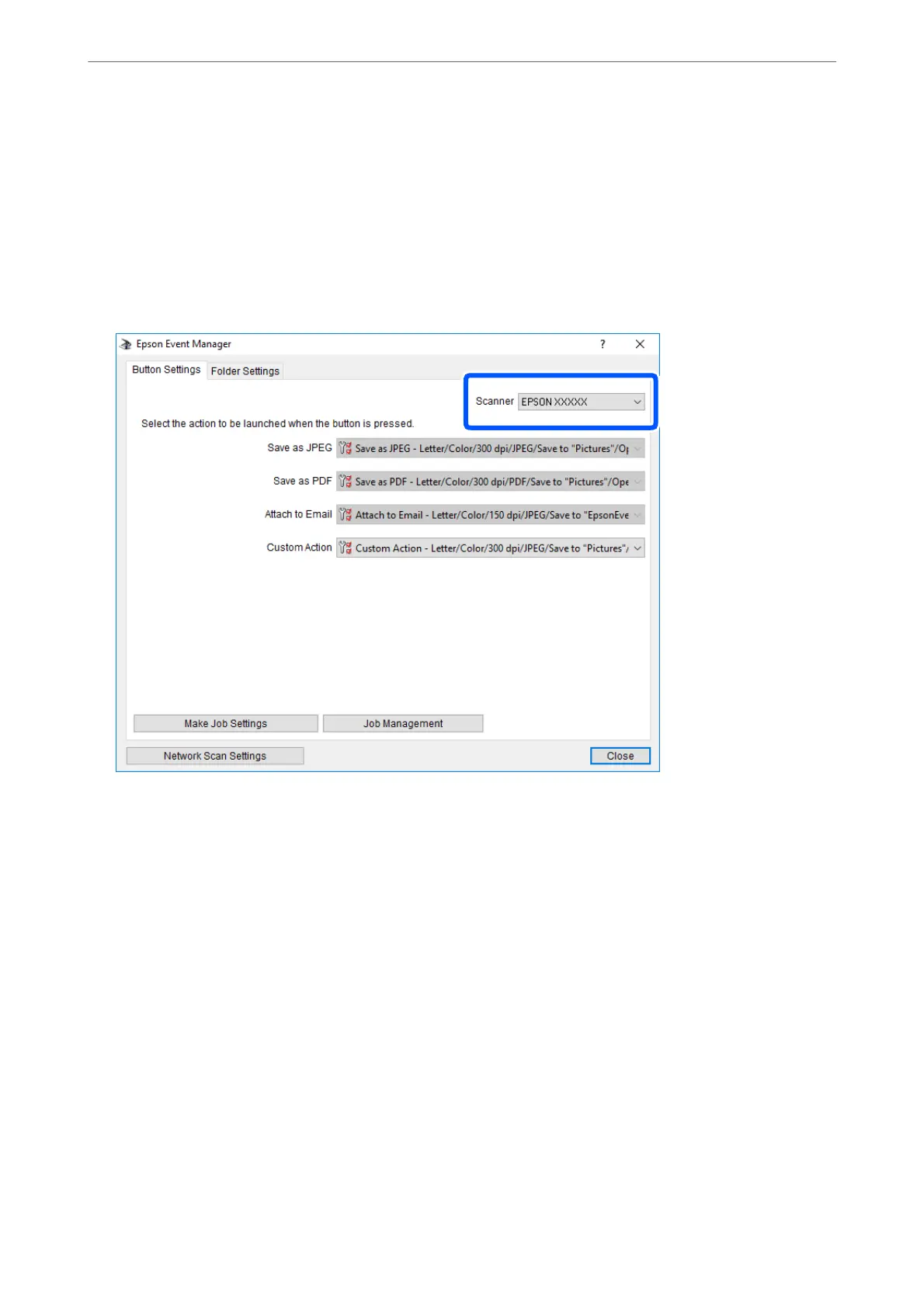
Start Epson Event Manager.
2.
Make sure that your scanner is selected as the Scanner on the Button Settings tab on the main screen.
Scanning
>
Scanning Using the Control Panel
>
Scanning to a Computer
85



 To Next Page
 Loading...









