memory even when you turn it
off
Contained within the HX-20
is an extended version of Micro-
soft BASIC, a powerful pro-
gramming language that is easy
to learn and which takes full
advantage of the many special
features of the HX-20. If you
have no interest in program-
ming,
you can purchase
programs and run them on your
HX-20. But if you do wish to
learn about programming, the
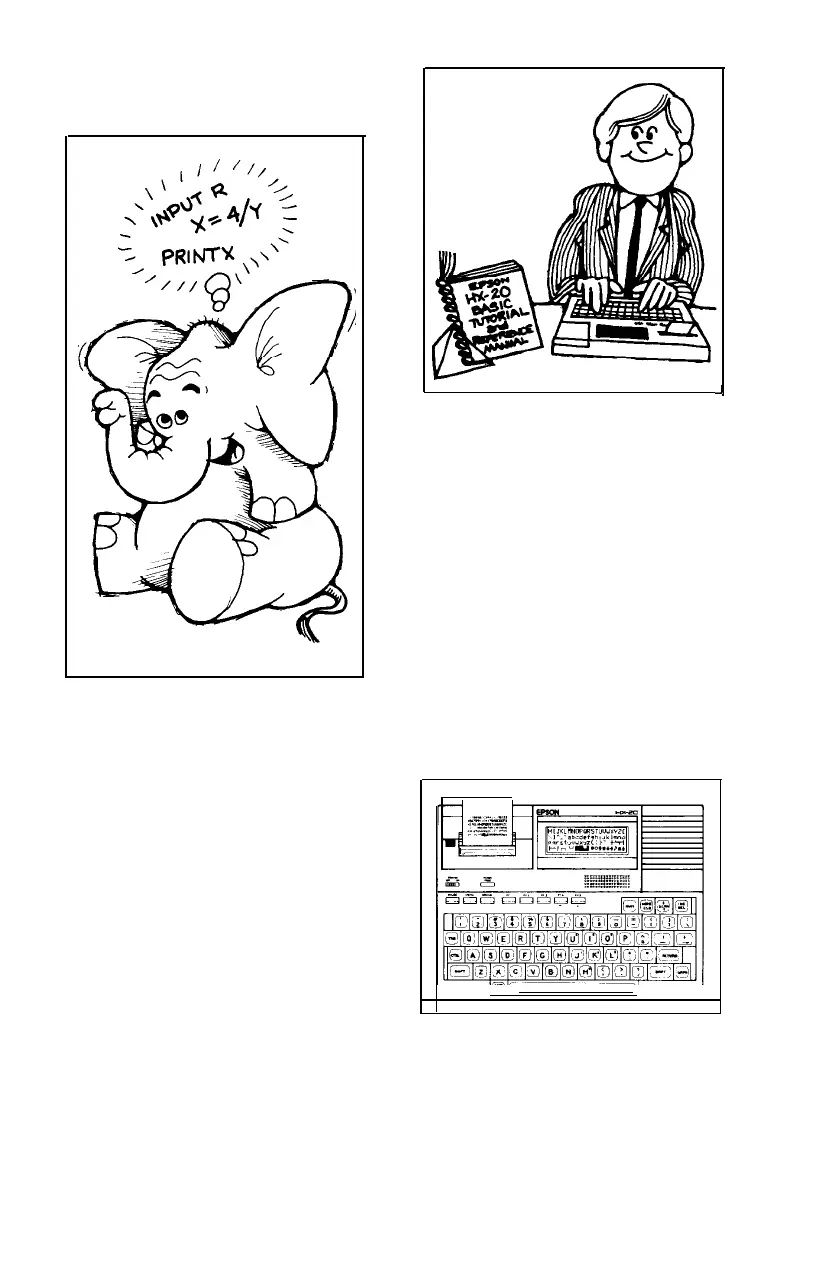
accompanying Epson HX-20
BASIC Tutorial and Reference
Manual will teach you every-
thing you need to know. It will
take you from a computer
novice to an accomplished com-
puter programmer, in only a few
evenings.
J
When you use the HX-20,
you’ll notice that its full-size,
full-stroke keyboard has the feel
of a fine piece of office equip-
ment, and that its program-
mable special function keys
make it a snap to develop pro-
grams that are extremely easy to
use. You'll also appreciate its
built-in screen and printer. They
display graphics as well as num-
bers, punctuation marks, and
upper and lower case letters.
You may tailor the HX-20 to
certain applications, such as
word processing or telecom-
munications, by purchasing a
tiny circuit called an option
ROM An option ROM will fit
inside the HX-20, enhancing it
2



 To Next Page