149
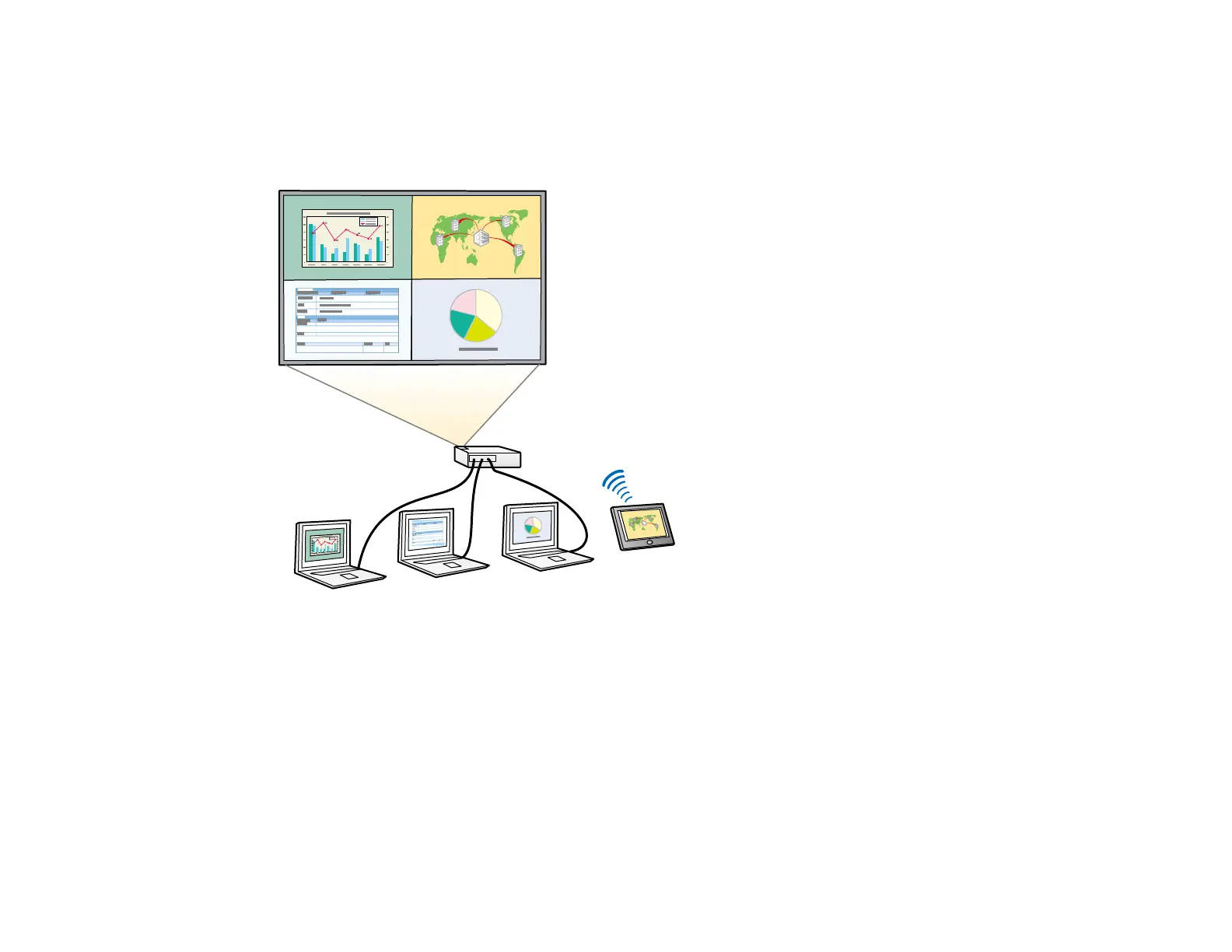
Projecting Multiple Images Simultaneously
You can use the split screen feature to simultaneously project from two or four images from different
image sources next to each other. You can control the split screen feature using the remote control or
the projector menus.
Note: While you use the split screen feature, other projector features may not be available and some
settings may be automatically applied to all images.
Note: You cannot use split screen with certain input source combinations.







 To Next Page