189
Setting Options Description
Reset Display Settings — Resets all settings on the Display
menu to their default values
Note: You must disable User's Logo password protection to adjust the No-signal Screen and Startup
Screen settings.
Parent topic: Adjusting the Menu Settings
Related tasks
Creating a User Pattern to Display
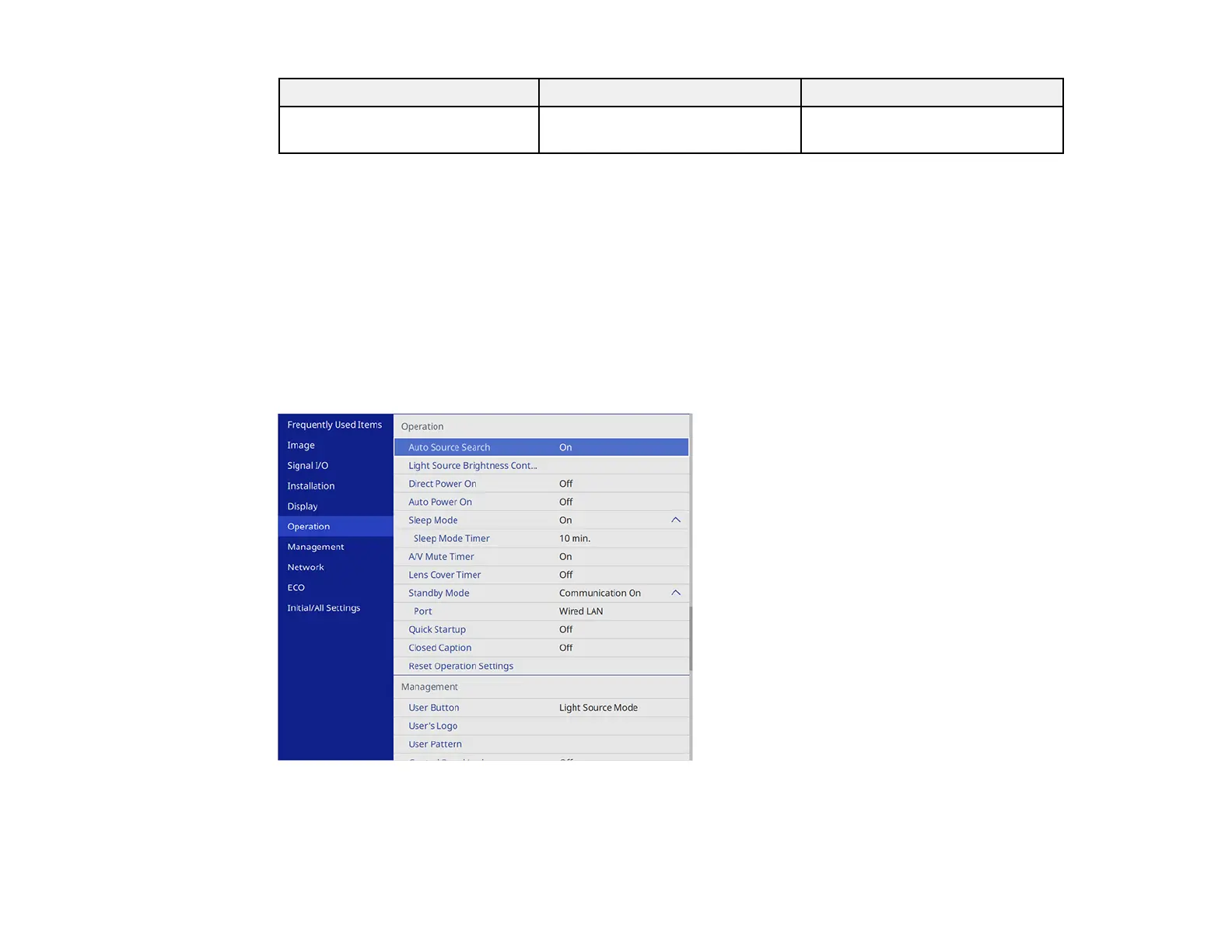
Feature Settings - Operation Menu
Settings on the Operation menu let you customize various projector features that control its operation.
The available settings depend on the currently selected input source and other settings.











 To Next Page