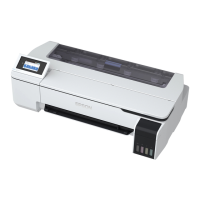
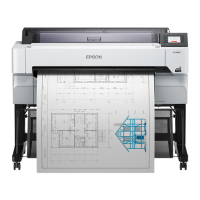
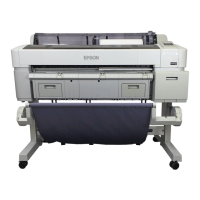
G Spindle holder
Install the spindle with the roll paper loaded. There is a holder on both the left and right sides.
U “Loading Roll Paper” on page 29
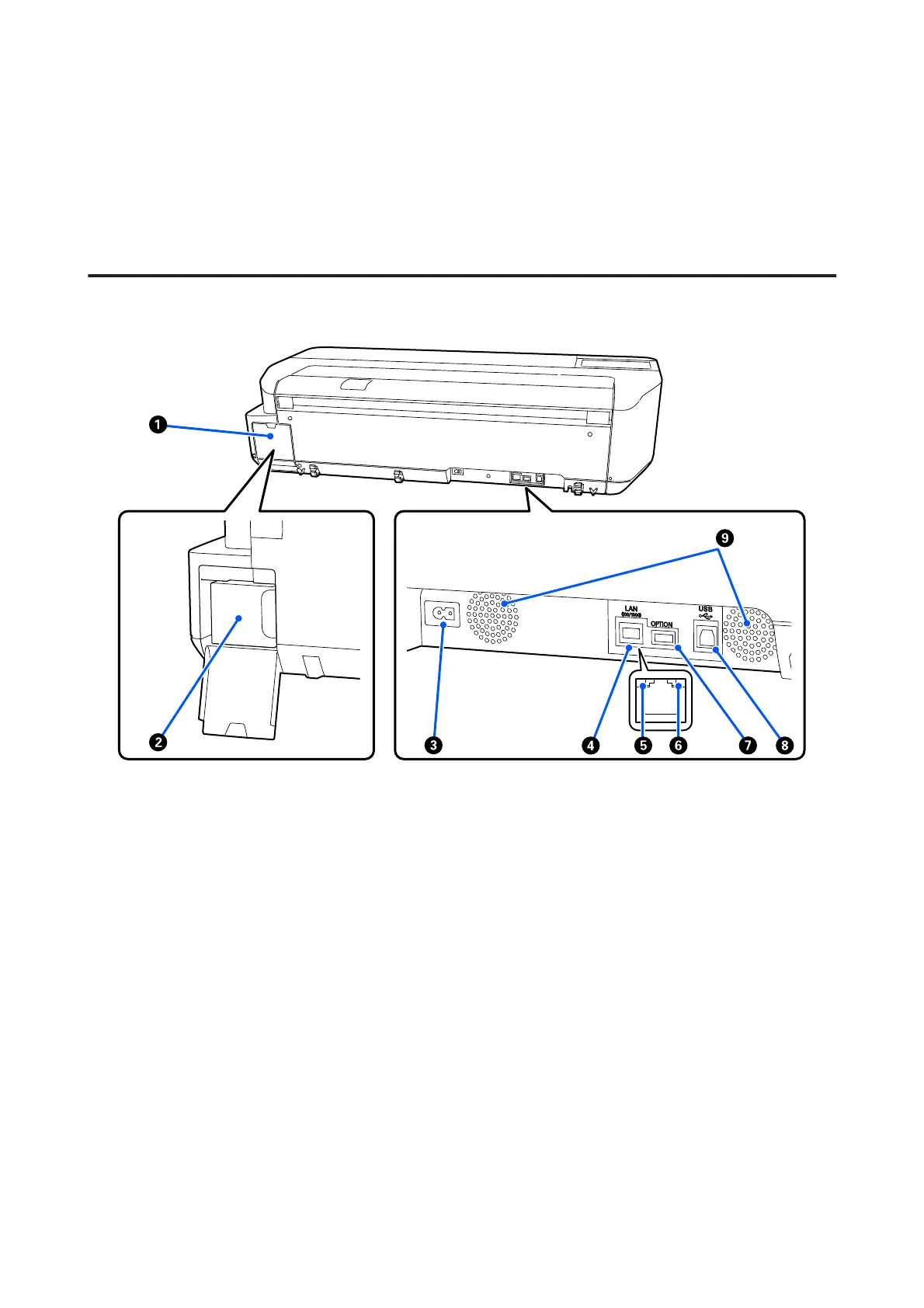
Back
A Maintenance box cover
Open when replacing the maintenance box.
B Maintenance box
A container for collecting waste ink.
U “Replacing Maintenance Box” on page 182
C AC inlet
Connect the supplied power cable here.
D LAN port
Connects the LAN cable.
SC-T3100M Series/SC-T5100 Series/SC-T3100 Series/SC-T5100N Series/SC-T3100N Series/SC-T2100 Series User's Guide
Introduction
12


 To Next Page
 Loading...