8
電源コードの接続
Connecting the Power Cable
連接電源線
A
•AC100V 以外の電源は使用しないで
ください。
•漏電事故防止のため、接地接続(アー
ス)を行ってください。
D
Warning
•
Use only the type of power source
indicated on the printer's label.
•
Make sure the printer is earthed to
prevent accidental short circuits.
D
警告
•
僅可使用印表機標籤上所指示的電
壓類型。
•
確定印表機有接地線,預防發生意
外短路。
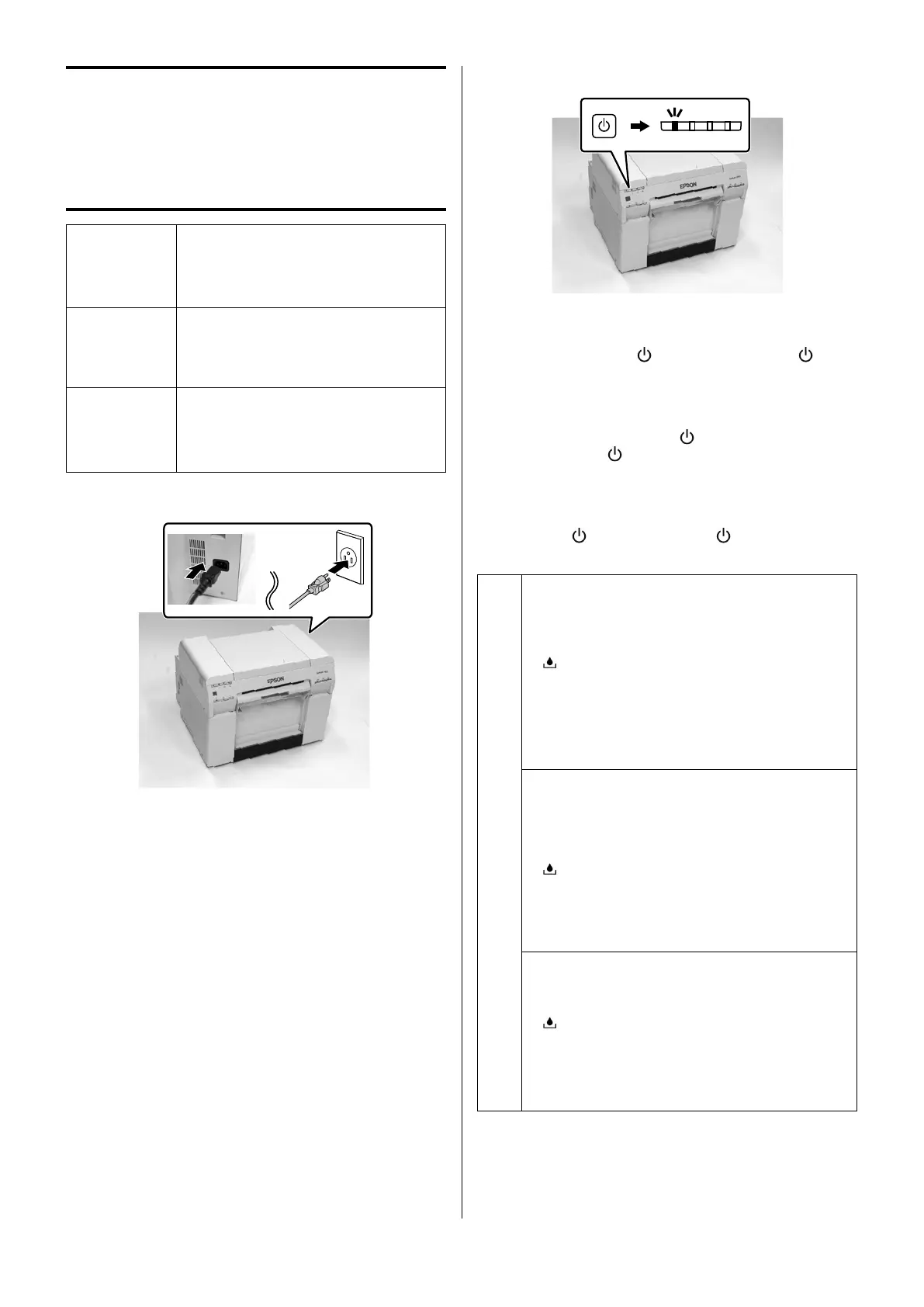
A
カバー類が空いていないことを確認し、電源コードを
接続します。
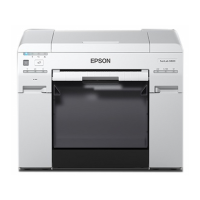
Check that the cover is closed, and then connect
the power cord to the printer.
確認護蓋已闔上,然後將電源線連接至印表機。
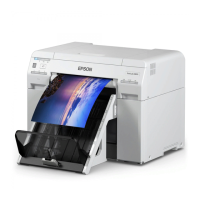
B
プリンターの電源スイッチを押します。
インクの初期充填が始まります。インク充填は約 20 分かか
ります。インク充填中は
ランプが点滅します。 ランプ
が点灯したらインク充填は完了です。
Press the Power switch on the printer.
Initial ink charging begins. Ink charging takes
approximately 20 minutes. The
light ashes during ink
charging. When the light stops ashing, ink charging is
complete.
按下印表機上的電源鍵。
開始進行初始化導墨。導墨程序大約需要
20
分鐘。在
導墨過程中,
燈號會閃爍。當 燈號停止閃爍時,
表示導墨完成。
c
• インク充填中は電源を切らないでください。
• 以下のランプが点灯しているときは、カートリッ
ジカバーを開けて、ランプが点灯しているカート
リッジの装着状態を確認してください。
:メンテナンスカートリッジランプ
Y/LC/C/LM/BK/M:インクランプ
• 上記の作業をしてもカートリッジのランプが点灯
しているときや、所定の時間がたってもインク充
填が完了しないときは、修理窓口に連絡してくだ
さい。
•
Do not turn o the printer when charging the
ink.
•
When the following lights turn on, open the
cartridge cover, and check that the cartridge for
the light that is turned on is inserted correctly.
: Maintenance cartridge light
Y/LC/C/LM/BK/M: Ink light
•
If the light remains on even after performing
the operation mentioned above or the ink does
not charge, contact service support.
•
導墨時,請勿關閉印表機電源。
•
當下列燈號亮起時,請打開卡匣護蓋,然後
檢查燈號亮起的卡匣是否有正確插入。
:維護盒燈號
Y/LC/C/LM/BK/M
:墨水燈號
•
如果在執行了上述的操作方式之後,燈號仍
然亮著,或是沒有導墨,請洽
Epson
授權服
務中心。


 To Next Page