14
Icons Description
Displays the Supply Status screen.
Quiet Mode is enabled. Noise is reduced during printing, but the print speed may be
reduced. Press this icon to change the settings.
Quiet Mode is disabled. Press this icon to change the settings.
There is a problem with the indicated setting. Select the icon to resolve the problem.
No Ethernet connection.
An Ethernet connection is established.
No Wi-Fi connection.
A Wi-Fi network error has occurred or the product is searching for a connection.
A Wi-Fi connection is established. The number of bars indicates the connection's signal
strength.
No Wi-Fi Direct connection.
A Wi-Fi Direct connection is established.
Parent topic: Control Panel Buttons and Lights
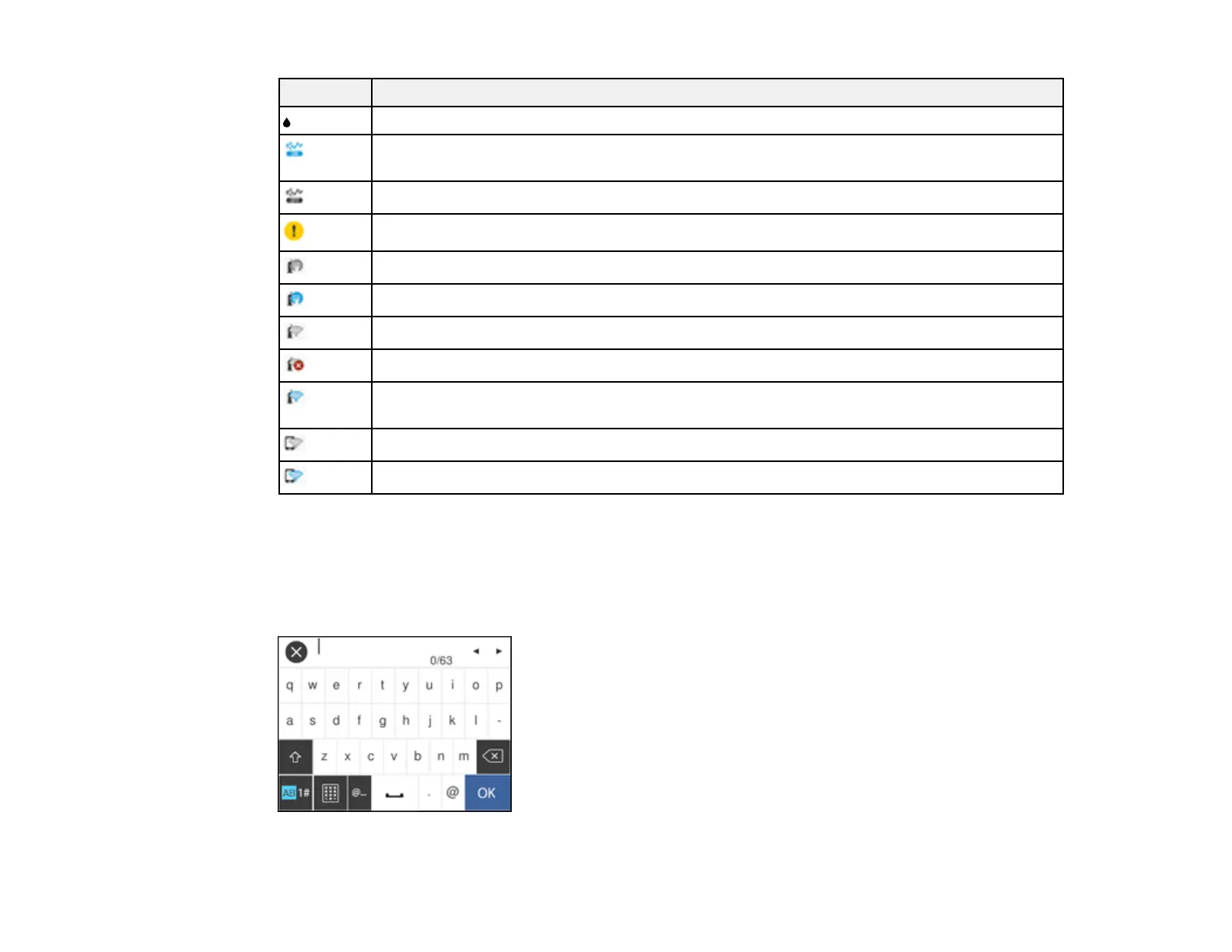
Entering Characters on the LCD Screen
Follow these guidelines, using the control panel buttons to enter characters for passwords and other
settings.



 To Next Page