190
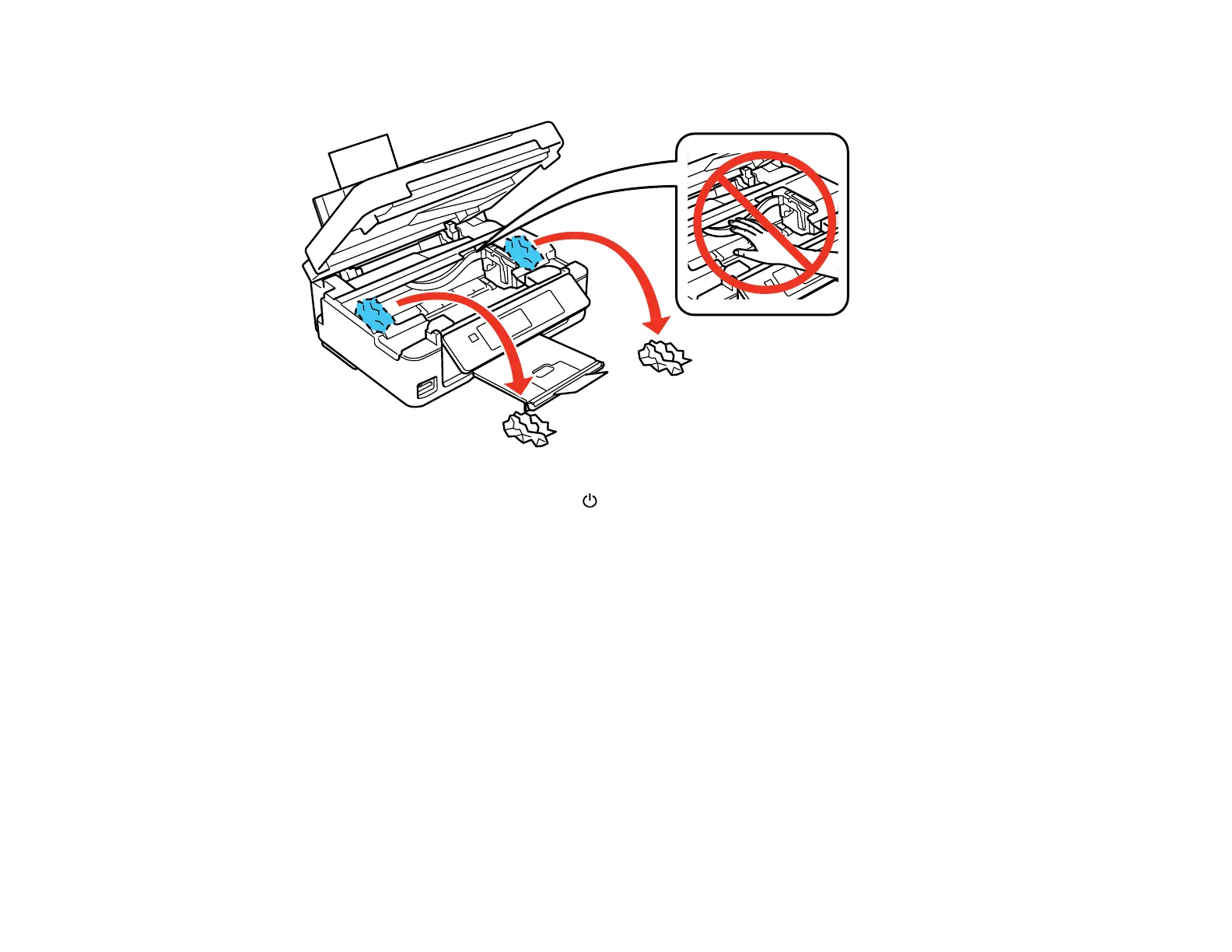
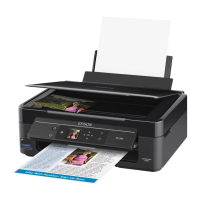
5. Lift up the scanner unit, and remove the jammed paper and any torn pieces.
6. Lower the scanner unit and press the power button to turn the product back on.
7. Carefully follow all paper loading instructions when you load new paper.
Parent topic: Solving Paper Problems
Related references
Paper or Media Type Settings - Control Panel and Epson iPrint
Paper or Media Type Settings - Product Software
Related tasks
Cancelling Printing Using a Product Button
Related topics
Loading Paper



 To Next Page