33
Memory Function
Erasing data
A. Select User first.
B. Press button to enter Memory Mode.
C. Press and hold + and buttons at the same
time, the data will be erased automatically.
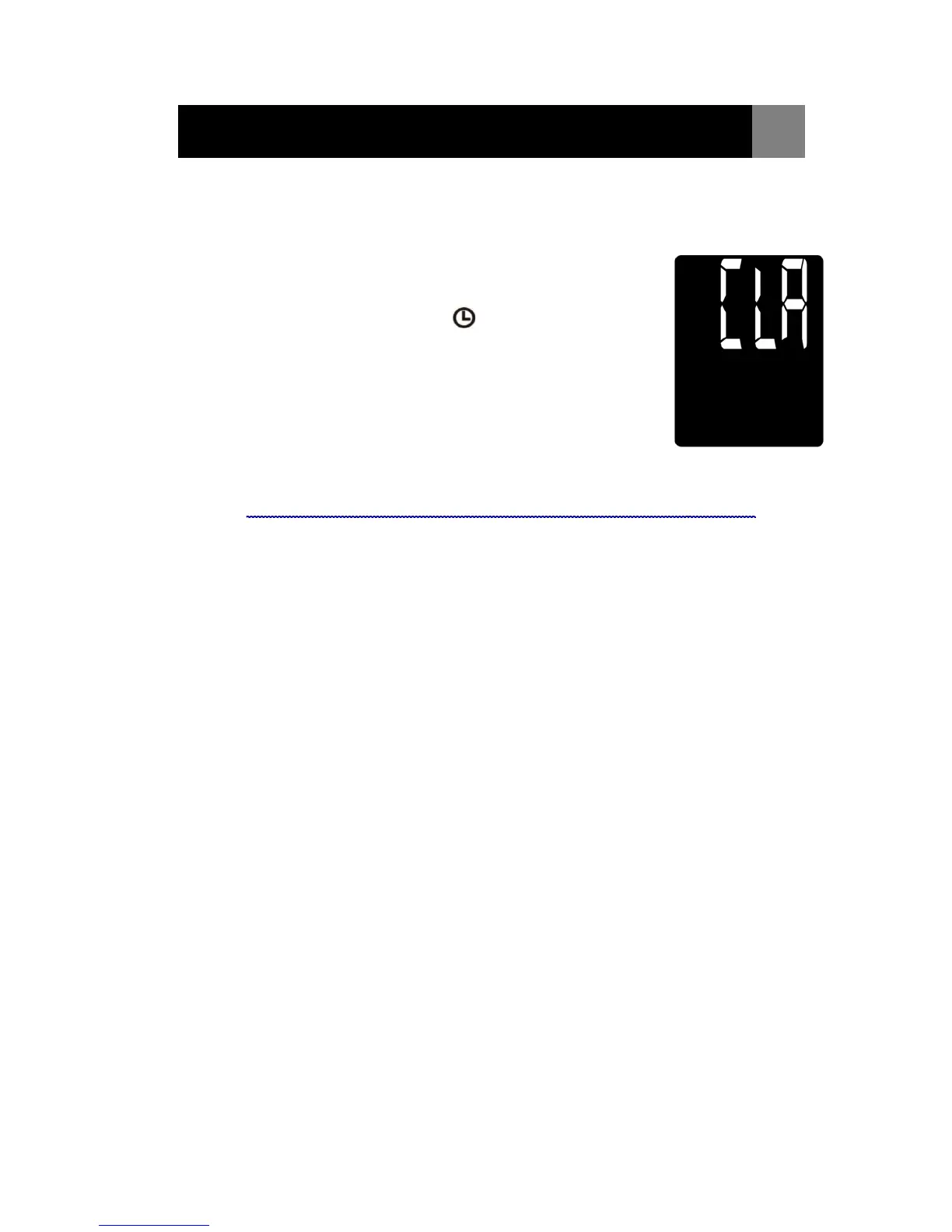
LCD Displays “CLR” for 3 seconds.
D. To confirm deletion, press button and no
data should appear.
Note: Once deleted, your data can NOT be restored.
D
D


 To Next Page