
 Need help?
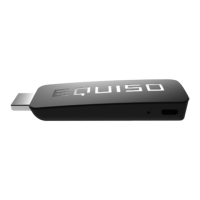
Do you have a question about the EQUISO Streaming smart stick and is the answer not in the manual?
Instructions for physically connecting the Equiso device to a television.
Steps to connect the Equiso device to a Wi-Fi network.
Instructions for linking a Google account to the Equiso device.
How to open and navigate the Google Play Store application.
Steps to find, download, and install applications from the Play Store.
Essential checks to perform for common Equiso operational issues.
 General
| Internal Storage | 8GB |
|---|---|
| Wi-Fi | 802.11b/g/n |
| Video Output | HDMI |
| Resolution | 1080p |
| Operating System | Android |
| RAM | 1GB |
| Supported Apps | Google Play Store |

 To Next Page