GETTING STARTED
1.1 Inside the Box 1
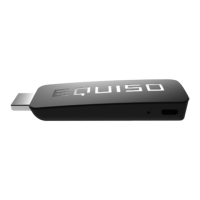
1.2 Equiso Streaming Smart Stick 2
1.3 Equiso Remote 3
1.4 Using Your Equiso Remote 4
1.5 What You Need 5
1.6 Charging the Remote 6
1.7 Connecting the Equiso to Your TV 7
1.8 Settings 8
1.9 Wireless Network Configuration 8
1.10 Access the On-screen Keyboard 9
1.11 Using Your Equiso Remote to Control Your TV 10
WATCH
2.1 Sensitivity of Remote 11
2.2 Add a Google Account 11
2.3 Access the Google Play Store 12
2.4 Download and Install Apps 12
2.5 Factory Reset 13


 To Next Page