14
3.1 The Basics
1. Your TV is on.
2. Your remote has been charged.
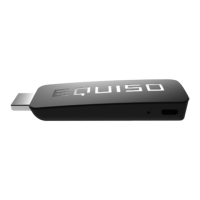
3. Both ends of the USB cable are connected to the Equiso Smart Stick
and the TV USB or A/C power adapter.
4. The Equiso Smart Stick is properly connected to the HDMI port of
your TV.
5. The remote receiver has been inserted into the usb port on the
back of the Equiso Smart Stick.
6. Your TV has been turned on to the corresponding HDMI input.
7. Your wireless router and network connections are functioning properly.
8. You have the correct user name/password for your wireless
network.
If you are still having issues try resetting the equipment and wireless router, Wait 30 seconds and
reconnect.


 To Next Page