15
3.2 Remote Connectivity
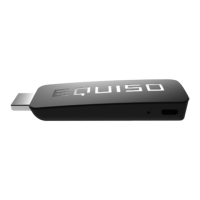
1. The “EQUISO” logo is face up and pointing towards you.
2. You have hit the select button to make the mouse appear on the
screen.
3.3 Unable to Locate Wi-Fi Network
1. Make sure your wireless router is functioning properly.
2. Try resetting the router. Wait 5-10 minutes and try to connect again.
3. Make sure the correct user name/password combination has been
entered.
4. Use the supplied HDMI cable to move your Equiso away from the TV.


 To Next Page