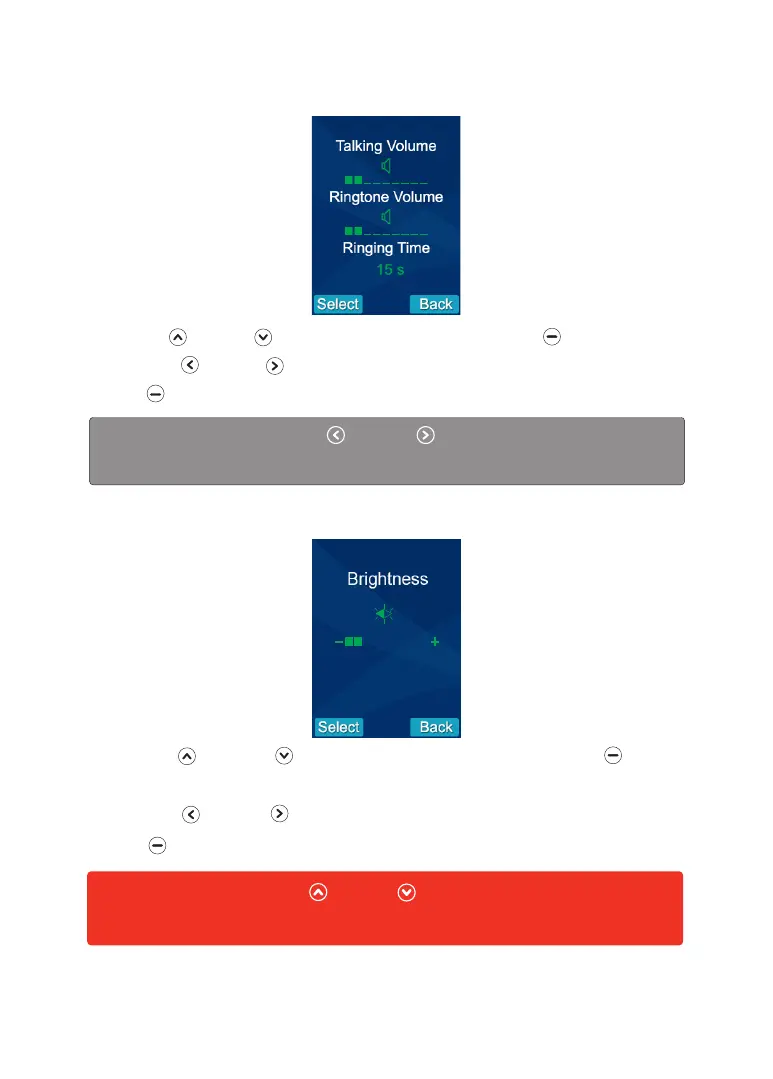
1. Press Up or Down to choose “Brightness” menu, then press beneath
Select .
2. Press Left or Right to select the light level that you like.
3. Press beneath Select to save the settings and return to the previous menu.
Note: Also, you can use Left or Right key to adjust the volume in the
standby mode.
1. Volume (9 Levels)
1. Press Up or Down to choose “Volume” menu, then press beneath Select
2. Press Left or Right to select the volume that you like.
3. Press beneath Select to save the settings and return to the previous menu.
2. Brightness (9 Levels)
________
-9-
Note: Also, you can use Up or Down key to adjust the brightness in the
standby mode.


 To Next Page