-10-
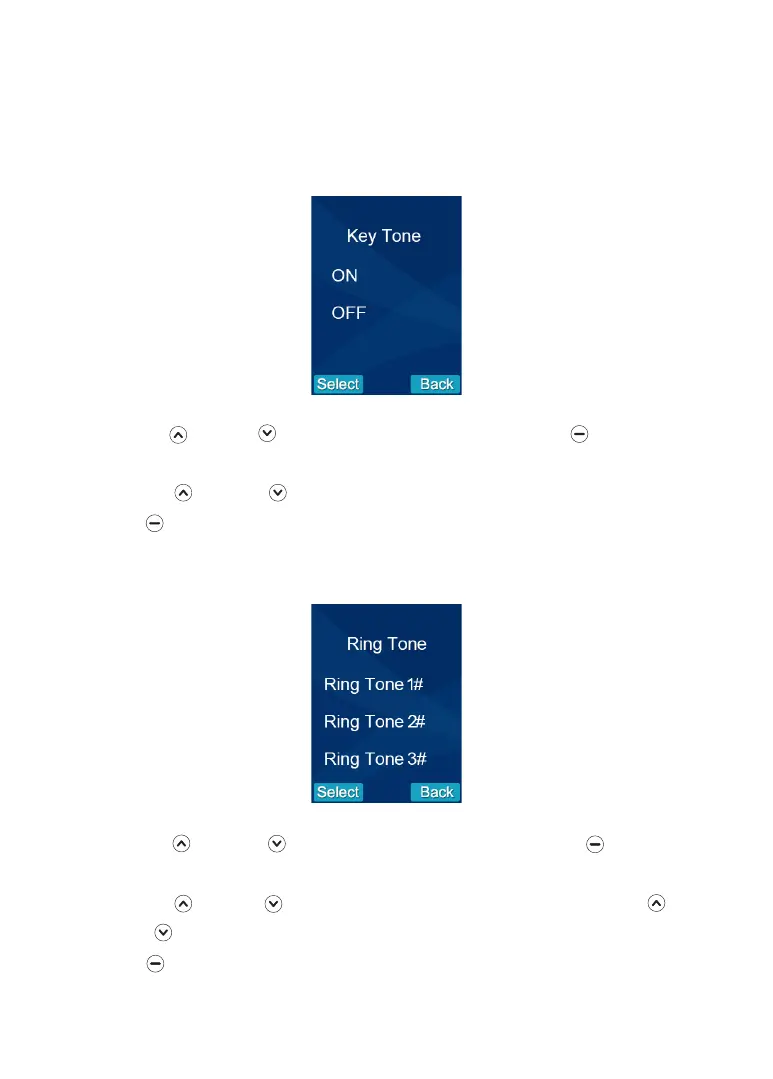
3. Key Tone
Each time you press a key a 'Key Tone' is heard. In certain error conditions, for
example when an incorrect key is pressed a warning tone will sound.
1. Press Up or Down to select the 'Key Tone' menu, then press beneath
Select .
2. Press Up or Down to choose On or Off to enable or disable the function.
3. Press beneath Select to save the setting and return to the previous menu.
4. Ring Tone (3 tones)
1. Press Up or Down to select the 'Ring Tone' menu, then press beneath
Select .
2. Press Up or Down to choose the ring tone. Each time you press Up or
Down the video handset will play the selected ring tone.
3. Press beneath Select to save the setting and return to the previous menu.


 To Next Page