-12-
6. Snap Show
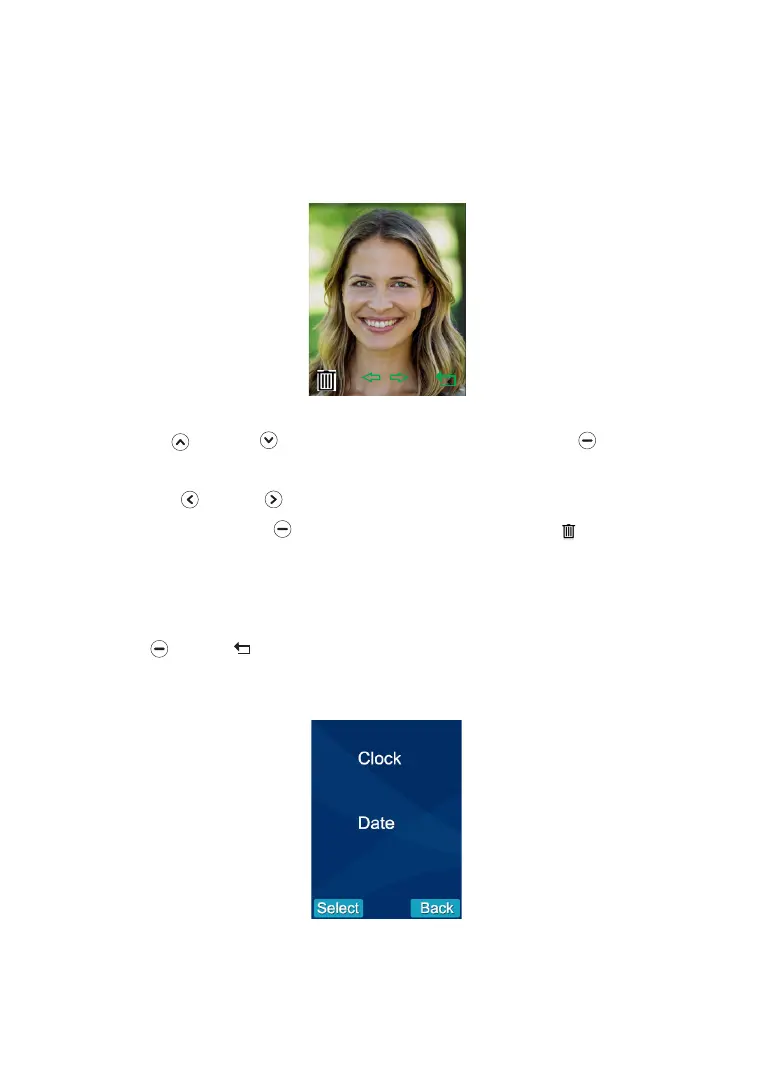
Stored photos can be viewed or deleted in the 'Snap Show' menu. The snap
number is displayed in the upper right corner of the photo.
7. Date & Time
16:03
2015-05-25
#1
001/100
2016-05- 25
00:22
1. Press Up or Down to select the 'Snap Set' menu, then press beneath
Select.
2. Press Left or Right to view the photos.
3. To delete a photo Press beneath. In the centre of the screen ' '? will be
displayed, press '√' at the bottom left of the screen to confirm deletion or ' x '
at the bottom right of the screen to cancel the deletion. The next photo will be
displayed.
4. Press beneath to return to the previous menu.


 To Next Page