-14-
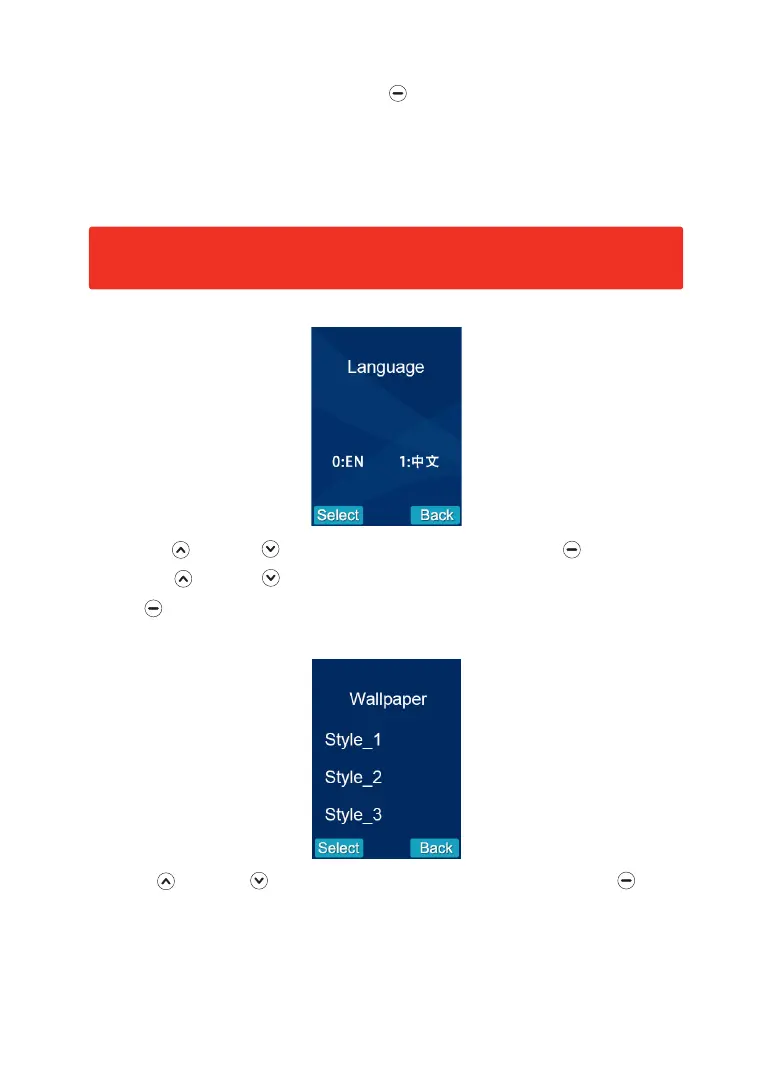
1. Press Up or Down to choose 'Language' menu, then press beneath Select.
2. Press Up or Down to choose the corresponding language('0' for English)
3. Press beneath Select to save the settings and return to the previous menu.
Note: When there are two video handsets connected to one outdoor camera,
the setting of the two handsets must be the same.
9. Language
10. Wallpaper(3 styles)
0
Press Up or Down to select a wallpaper style. When selected press
beneath Select to save the setting and return to the main screen. Press back to exit
the screen without making any changes to the default wallpaper style as set.
3. To save each setting individually press beneath Select with each change as it
is made, at each stage you will return to the menu screen from where you can
return to the menu to change the remaining settings. To change all settings
without returning to the previous menu after each change, make the changes to
all functions and then press Select to accept all and return to the previous menu.


 To Next Page