-15-
1.0.0 20150731
11. Register
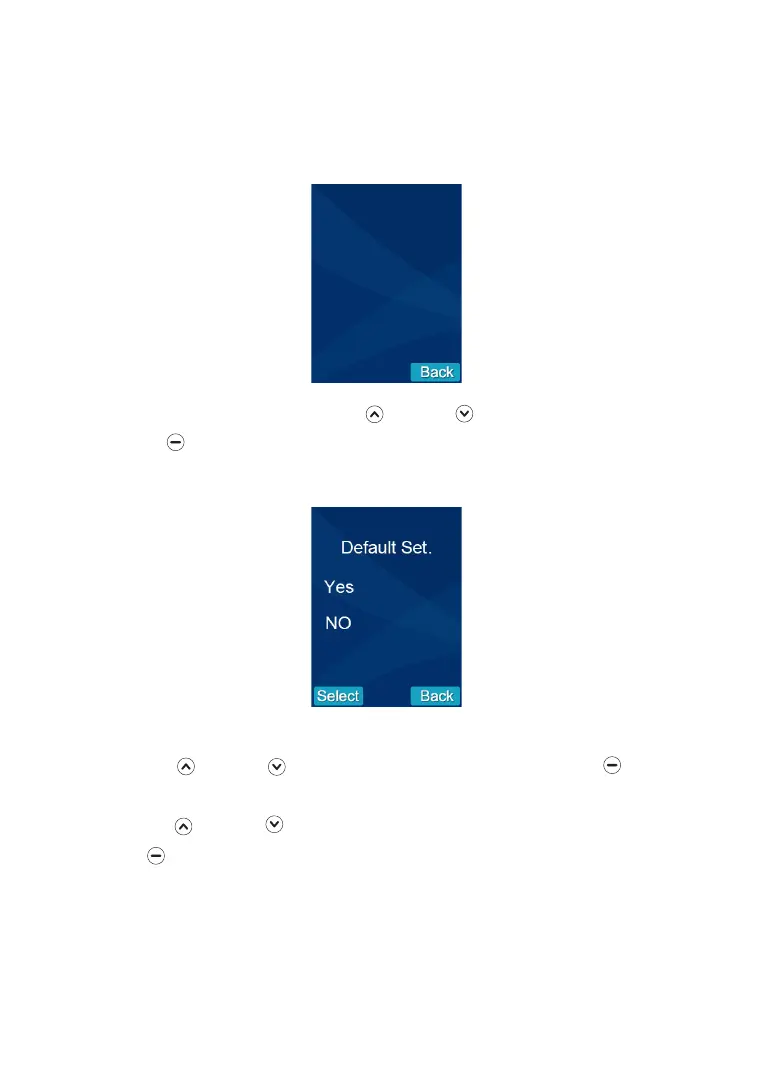
This function allows you to reset the video handset to the factory default.
1. Press Up or Down to select the 'Default Set' .menu, then press beneath
Select.
2. Press Up or Down to choose YES or NO to enable or disable the function.
3. Press beneath Select to reset the settings or back to return to the previous
menu.
Result: After resetting , the video handset will return to standby mode.
13. Default Settings
To check the software version Press Up or Down to select the 'Version' menu,
then press to Select. Press Back to the previous menu.
12. Software Version
Used To link an outdoor camera to a video handset, as described on page 16.


 To Next Page