14
Storage
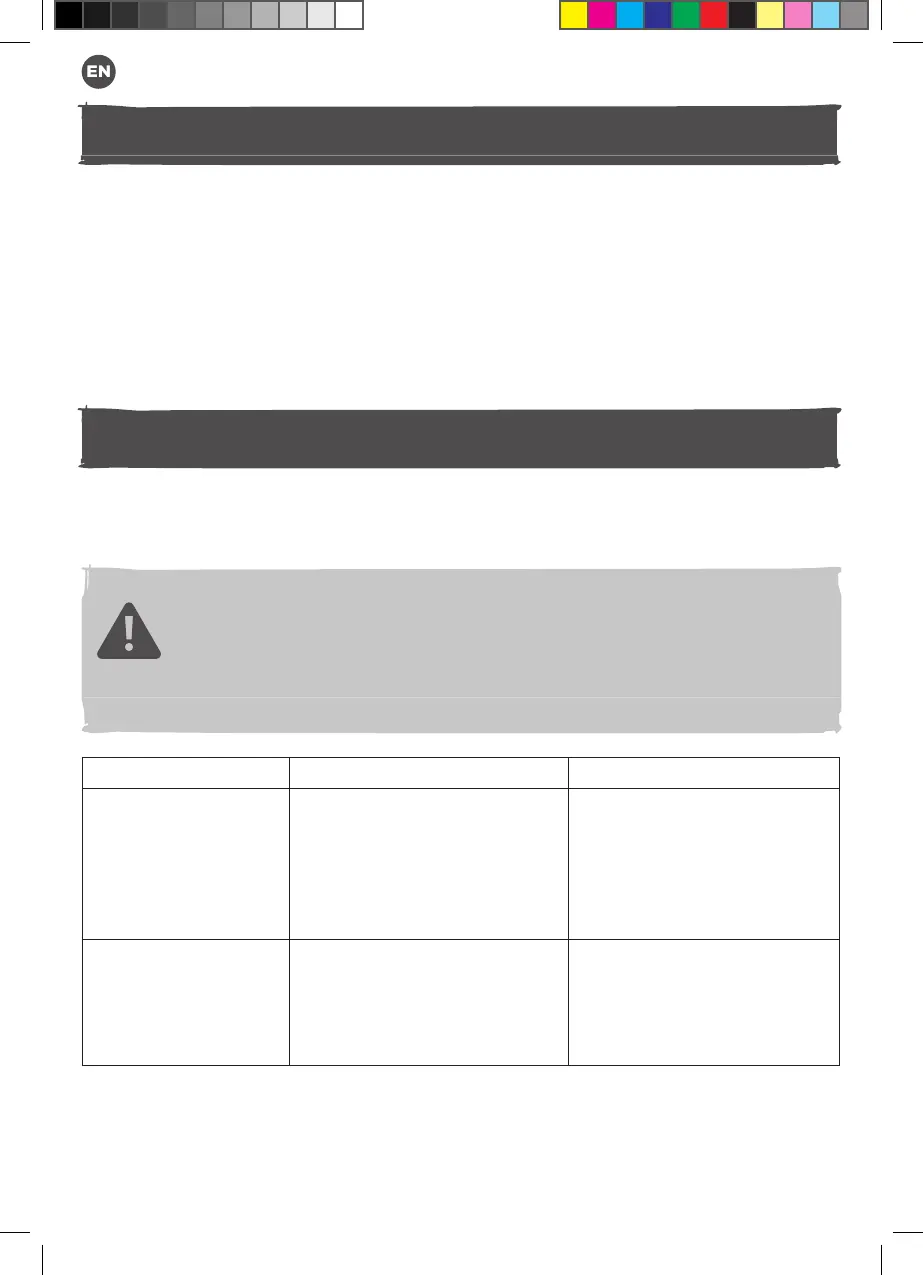
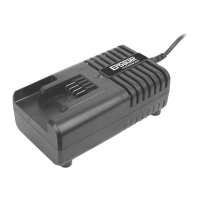
1. Disconnect charger from power supply and remove the battery pack.
2. Clean the product as described above.
3. Store the product and its accessories in a dark, dry, frost-free, well-ventilated
place.
4. Always store the product in a place that is inaccessible to children. The ideal
storage temperature is between 10 °C and 30 °C.
5. We recommend using the original package for storage or covering the product with
a suitable cloth or enclosure to protect it against dust.
Troubleshooting
Suspected malfunctions are often due to causes that the users can x themselves.
Therefore check the product using this section. In most cases the problem can be
solved quickly.
WARNING! Only perform the steps described within these instructions!
All further inspection, maintenance and repair work must be performed
by an authorised service centre or a similarly qualied specialist if you
cannot solve the problem yourself!
Problem Possible cause Solution
1. The charging
status indicator
light is still off
after connecting
the charger to the
power supply.
1.1. The charger is not well
connected to the suitable
power supply.
1.2. The charger or its cable is
damaged
1.1. Make sure the power
supply voltage is same as
the charger rating label,
and well connected.
1.2. Replace a new charger.
2. The charging
status indicator
shows green
but battery not
charged.
2.1. Battery & charger not well
contacted.
2.1. Remove the battery and
slide it fully in the charger
again.
MNL_Erbauer_GB_12V Charger_EBC12-Li_V8_210422.indd 14 4/22/21 6:22 PM


 To Next Page