C
C
M
M
L
L
I
I
n
n
t
t
e
e
r
r
n
n
a
a
t
t
i
i
o
o
n
n
a
a
l
l
S
S
.
.
p
p
.
.
A
A
.
.
Art.070 User Guide EN 20
d. Continue the bending process by pressing the bend/return switch rightwards [Bend]. As soon as the
bend will be completed the machine will automatically stop and the display will show the bent
angle value and the spring back angle (the selected values will be kept in memory even if the
machine is turned off).
e. Press the bend/return switch leftwards [Return] or press the foot switch pedal [Return] and the
former will rotate in the other sense returning to the point of reference, allowing the operator to
remove the bent tube.
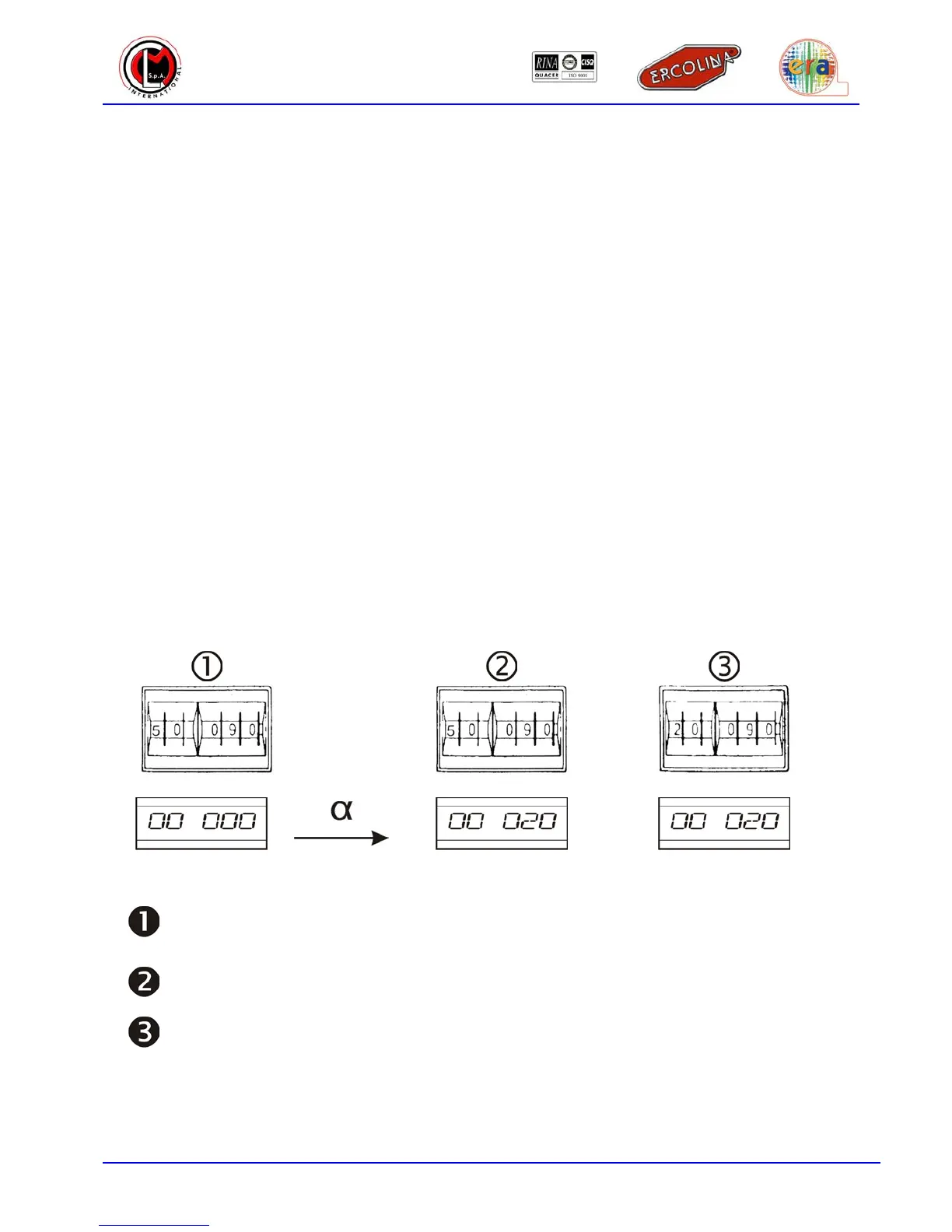
angle
Table 3.4.1 – Spring back angle setting
Set the bending angle (3 digits to the right of the numerator) ex. 90° and the exceeding spring
back angle to 50° (2 digits to the left of the numerator)
Start the machine until the tube deformation starts (bending starts) and stop the machine
Read the α angle value on the display (ex. 20°) and copy it on the two digits to the left of the
numerator


 To Next Page