13
CML International S.p.A.
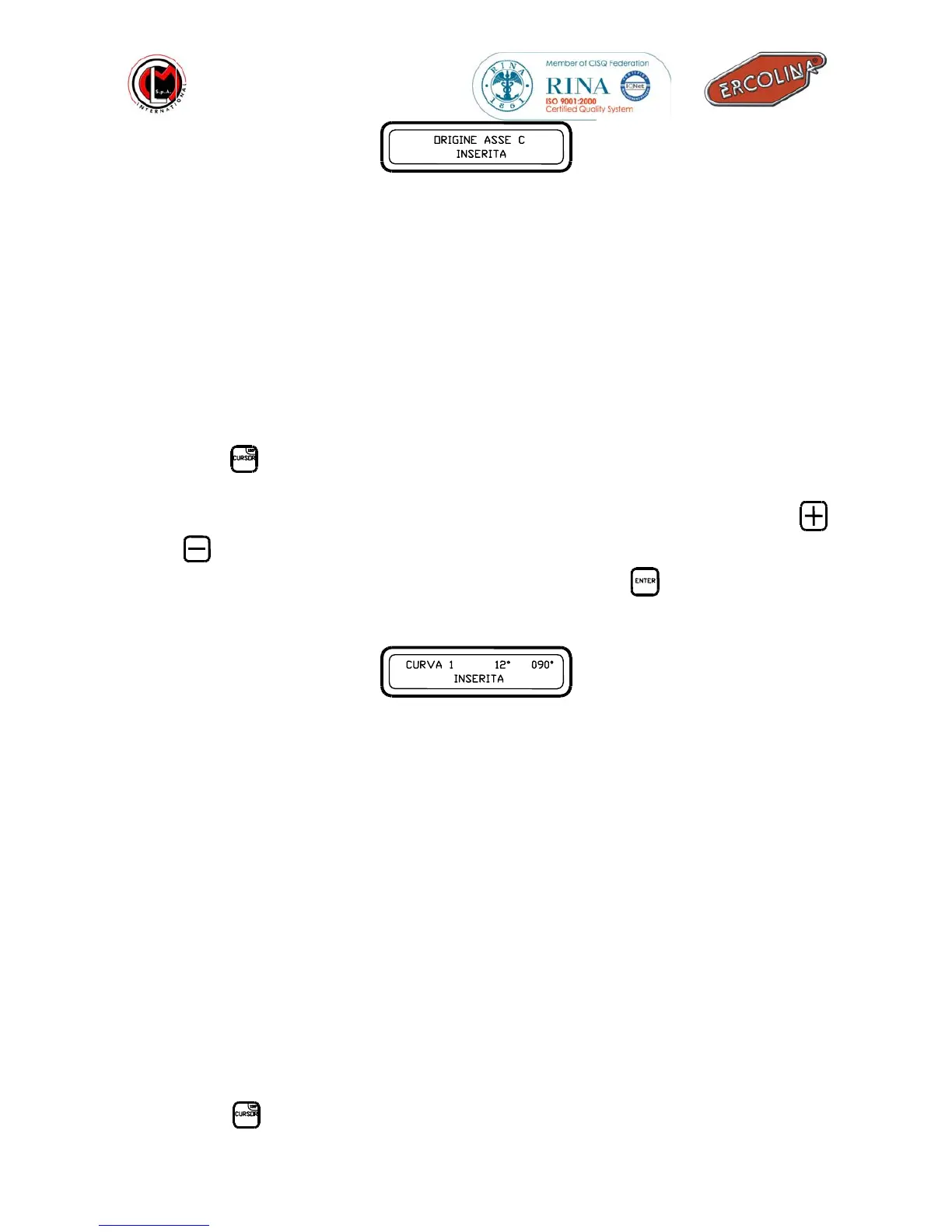
New position of the shaft stored ( Axis C )
HOW TO CORRECT THE SPRING-BACK ANGLE
If while working you notice that the required bend angle achieved is not conforming
to the desired angle you may adjust the spring-back angle to correct the angle in the
machine program.
To correct the bend angle, while working you need to :
• stop the machine from working by releasing all keys;
• press the
button , then a flashing cursor will appear on the spring-back angle
value;
• the value of the spring-back angle can be changed with the use of the buttons
and
;
• The new set value will be stored only after having the
button pressed, the
following message will then be displayed :
Spring-back angle change storage
In the example shown in the above picture the new spring-back value (12°)
has been stored on the first 90° bend.
•
After the new angle has been stored you may proceed continuing the bend until
completed.
EDITING THE ACTUAL BEND ANGLE
As the spring-back angle you may also modify the bend angle without changing a
whole program. To edit a single bend angle you must:
• interrupt bending ;
• press the
button until the flashing cursor is on the bend angle value;
SHAFT RESET STORED
BEND 1 12° 090°
STORED



 To Next Page