D2 Series
User Guide, Rev. 00 (Feb 2015)
12
Configuration
Channel selection
The channel selection may be done in Hardware mode or in software mode, through the linked DTE.
1 – Hardware Channel Selection
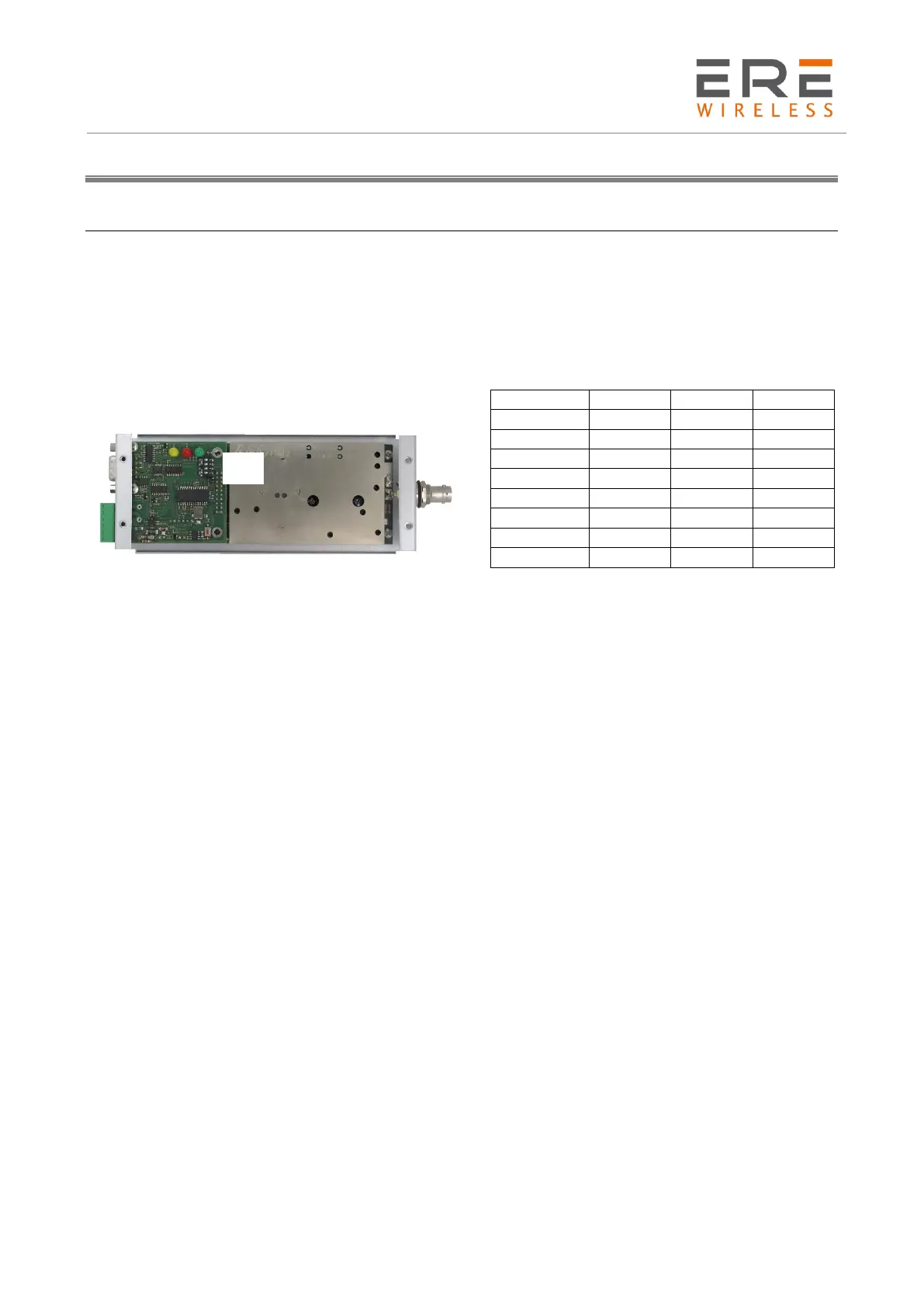
The Hardware channel selection is the default mode. The choice is done by the dip-switches bank.
The eight available channels are selected by the 1st, 2nd, and 3rd switch while the 4th is inactive.
2 – Channel Selection by DTE
This feature is available only if the Addr from DTE option is selected in all operating modes
comprehending the Broadcasting one. The initial requirement is the complete configuration of all
the eight available channels. To change the channel is sufficient to send to the radiomodem unit the
following hexadecimal string containing only 3 bytes:
New channel number(h) – 09h – New channel number(h).
At the end of the sending wait at least 1 millisecond before use the unit in the normal operation
mode. To restore the manual selection the required hexadecimal string is 00h – 09h – 00h. The
change by DTE is not stored in the radiomodem memory therefore its reset restores the default
manual selection.
3 – Channel Selection of a Remote Unit using the Master Unit and the Radio Network.
In the standard applications one or more peripherals may be placed in a “problematic” site essentially
due to logistic difficulties.
To avoid this problems a Remote Programming/Channel selection utility is installed into the
configuration software.
The programming procedure is exhaustively explained below under the Remote Configuration
paragraph.



 To Next Page