D2 Series
User Guide, Rev. 00 (Feb 2015)
14
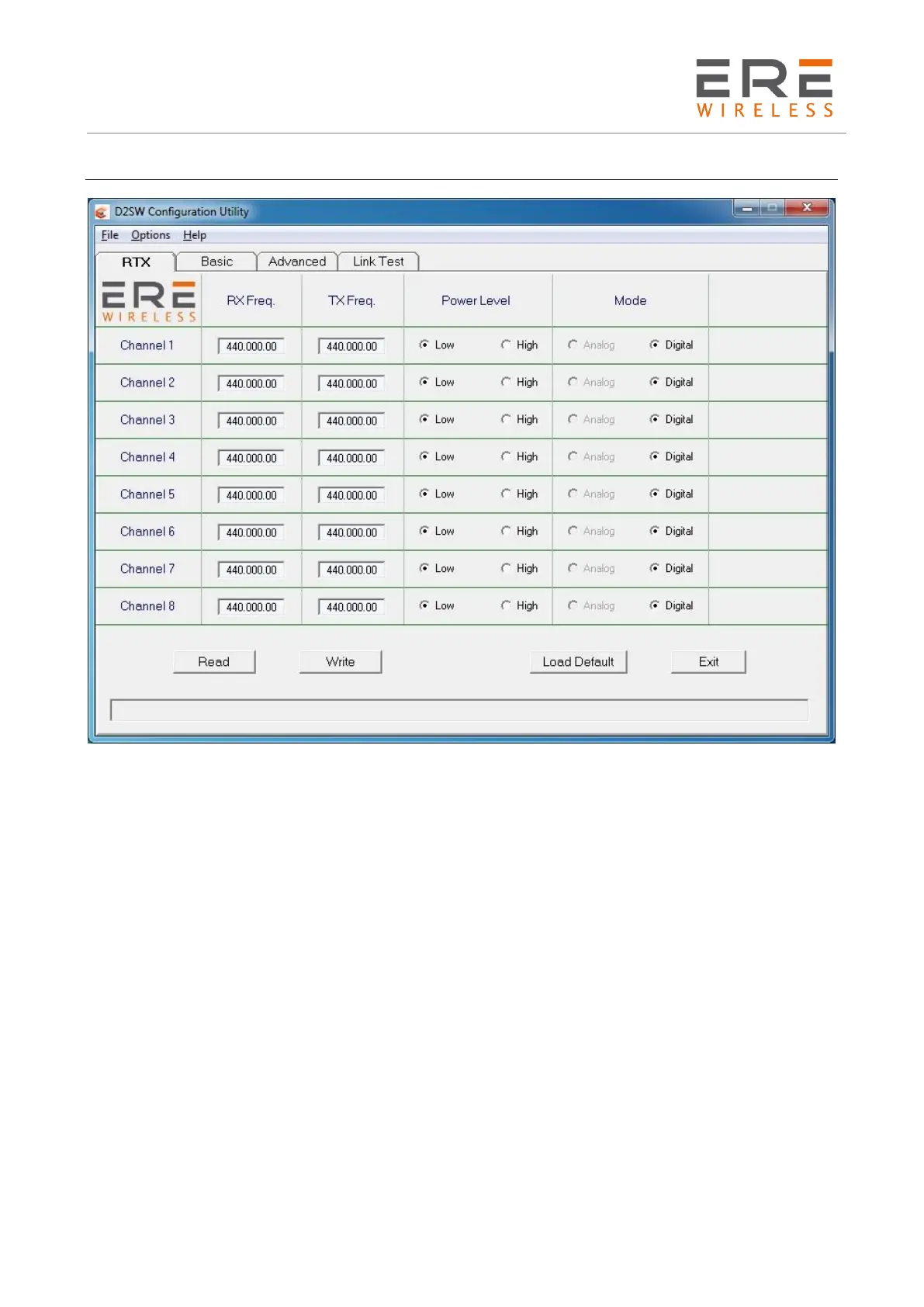
RTX configuration
Fields specifications.
The Field characteristics are specified as follows. In the square brackets [ ] are indicated the
permitted values or the activation ON/OFF while in the round brackets is indicated the measure
unit.
RxFreq. (MHz) : The receiving frequency in MHz of the selected channel. The inserted value must
be compatible with the operative band of the radiomodem. The synthesis step is of 6.25 kHz. If the
inserted value is not an exact multiple of 6.25 kHz, an automatic rounding off to the nearest value
is performed. The insertion format is 434.156.25 for a frequency of 434.15625 MHz. The F5 and
F6 keys may be used to decrease, respectively increase, the displayed frequency of a 6.25 kHz step.
TxFreq. (MHz) : The transmitting frequency in MHz of the selected channel. All considerations valid
for the RxFreq. are applicable to this parameter. The RxFreq. and the TxFreq. may be different, if
requested.
Power Level : To select the desired RF Output Power
Mode : In the use with the Modem Plug-in this field is Digital and may not be changed.
Read button : Push to read the configuration stored in all the eight available channels.
Write button : Push to write the new or the modified configuration in all the eight available channels.
Power On : Push to enable the selected serial port of the computer and the turning on of the
radiomodem. This button is visible only at the program start, at the serial port change and at the
opening of a previously stored configuration file. After the utilisation this button disappears.



 To Next Page