8
installation guide
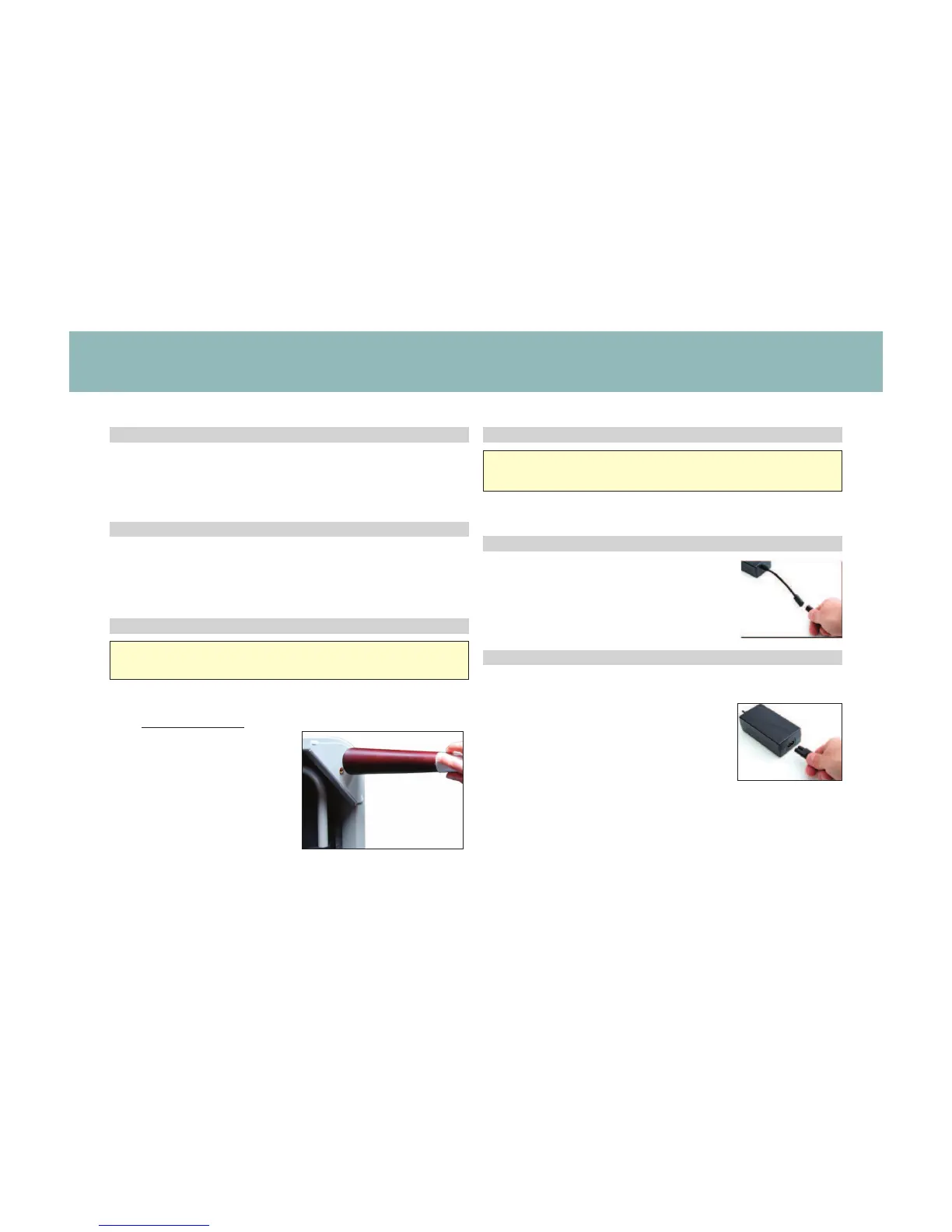
Legs are optional. To install the legs, thread the washer over the
bolt of the leg with the recessed side facing the leg, and tighten by
hand. Do not over tighten.
STEP 1 STEP 4
STEP 5
STEP 6
STEP 2
Always use two people when setting up the base.
Place the bed base box in a desired location with the top of the
box facing up.
Remove the binding straps and packing materials, making sure not
to puncture the box with any sharp objects.
Remove the bed base from the box keeping the bottom of the
base facing upwards.
If setting up the base without legs, please skip to step 4.
STEP 3
Uncoil input Power Cord (connected to
Control Box’s power port) and plug into
Power Supply.
To sync two bases see detailed installation
instructions on page 13.
To install Headboard Brackets (sold separately)
see instructions on page 16.
Locate the Power down Box and install (2) 9 Volt batteries
(not included).
Uncoil the Power Cord and connect to the
Power Supply. Place Power Supply on the
ground and extend from the base. Ensure
that the Power Supply and all attached
cords are directed toward the desired surge
protector.




 To Next Page