30
Troubleshooting
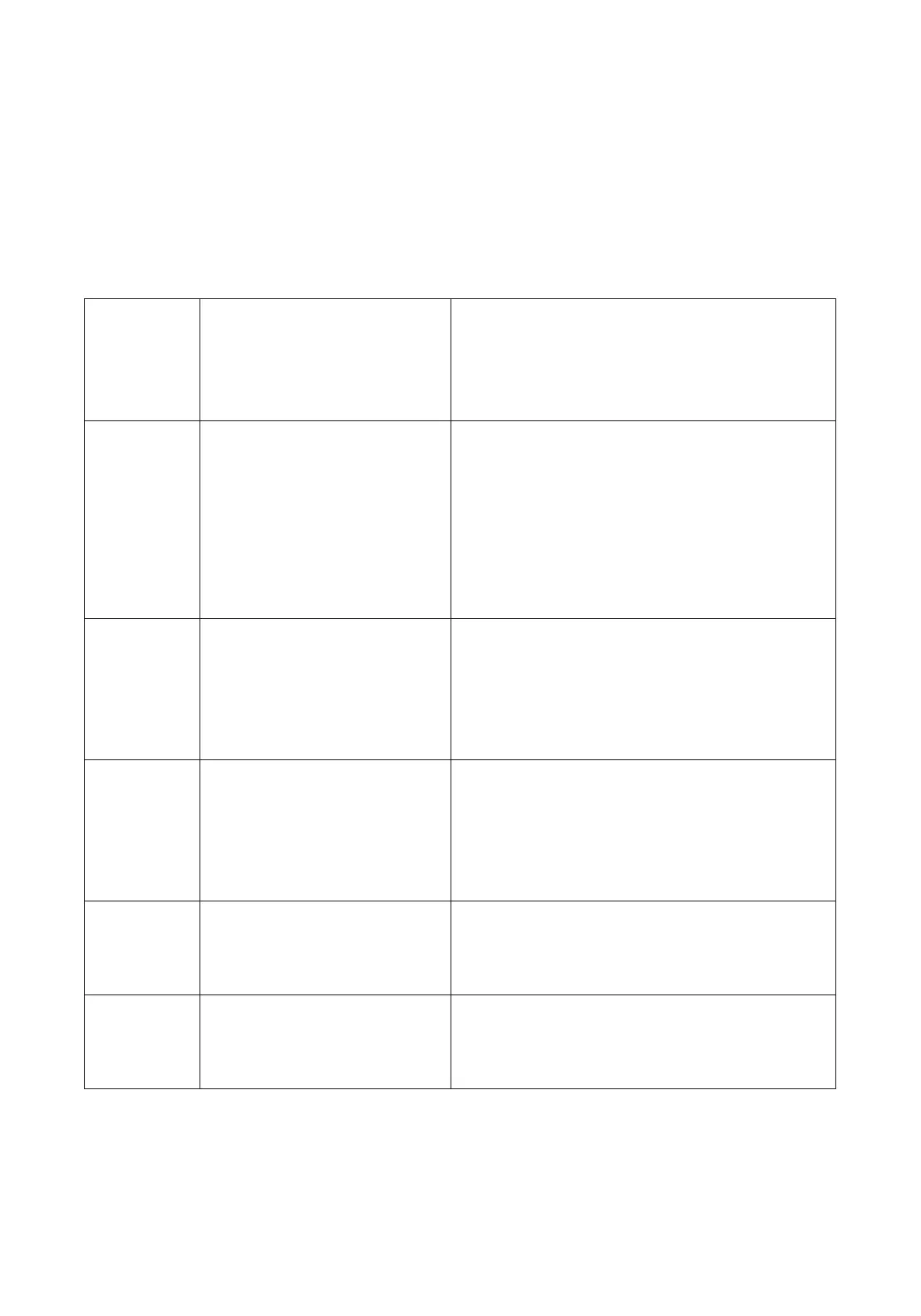
Code Source Solution
ER1
Internal fault
Disconnect the power cable,
reconnect, and perform factory reset
ER2
Synchro error
Disconnect the power cable, recon-
nect, and perform factory reset. If
handset displays “RST”, hold down
arrow until the desk goes all the way
at its lowest height.
ER3
Motor not properly
connected
Disconnect all cables and verify
that they’re intact. Reconnect and
perform factory reset.
ER4
Communication fault
Disconnect all cables and verify
that they’re intact. Reconnect and
perform factory reset.
ER5
Overload protection Respect the weight limit
HOT
Overheat protection Let the motors cool o for 5 minutes


 To Next Page