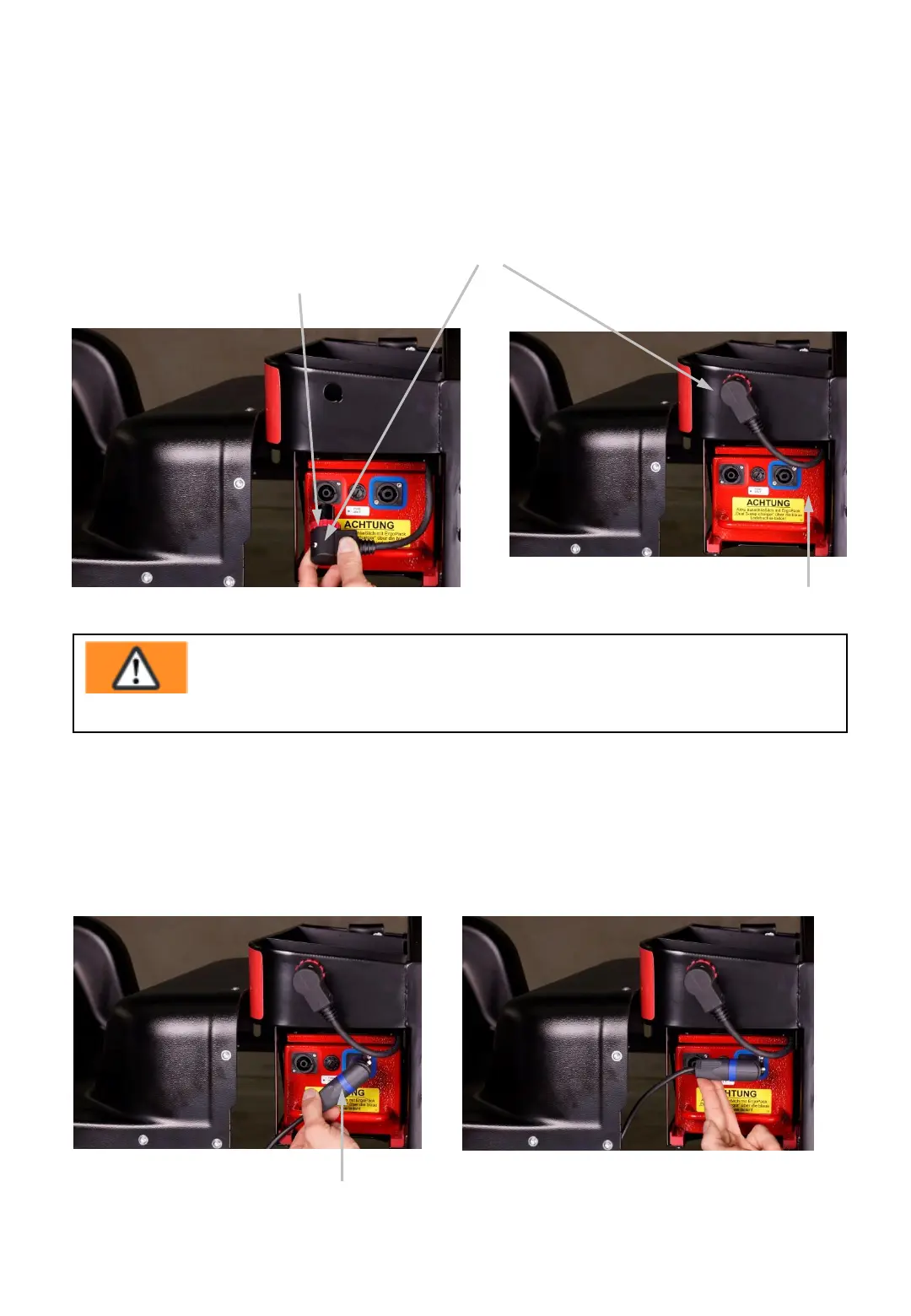
5.) Put the plug (14) of the charger into the blue charging socket of the battery
pack (7) as shown in Fig 10b by slanting to the lower left corner. Thereafter turn
the plug clockwise by 45°as shown in Fig. 10c until final snap in
Fig. 10b
14
Fig. 10c
- 20-
3.) Turn the red ring (12) of the plug (13)
on the battery pack (7) counter clockwise.
4.) Disconnect the plug (13) from the battery pack and
put it into the hole of the storage box above.
12
13
7
Fig. 9
Fig. 10a
Warning!
Charge the battery pack only with the ErgoPack Dual-3-step
charger through the blue socket!



 To Next Page