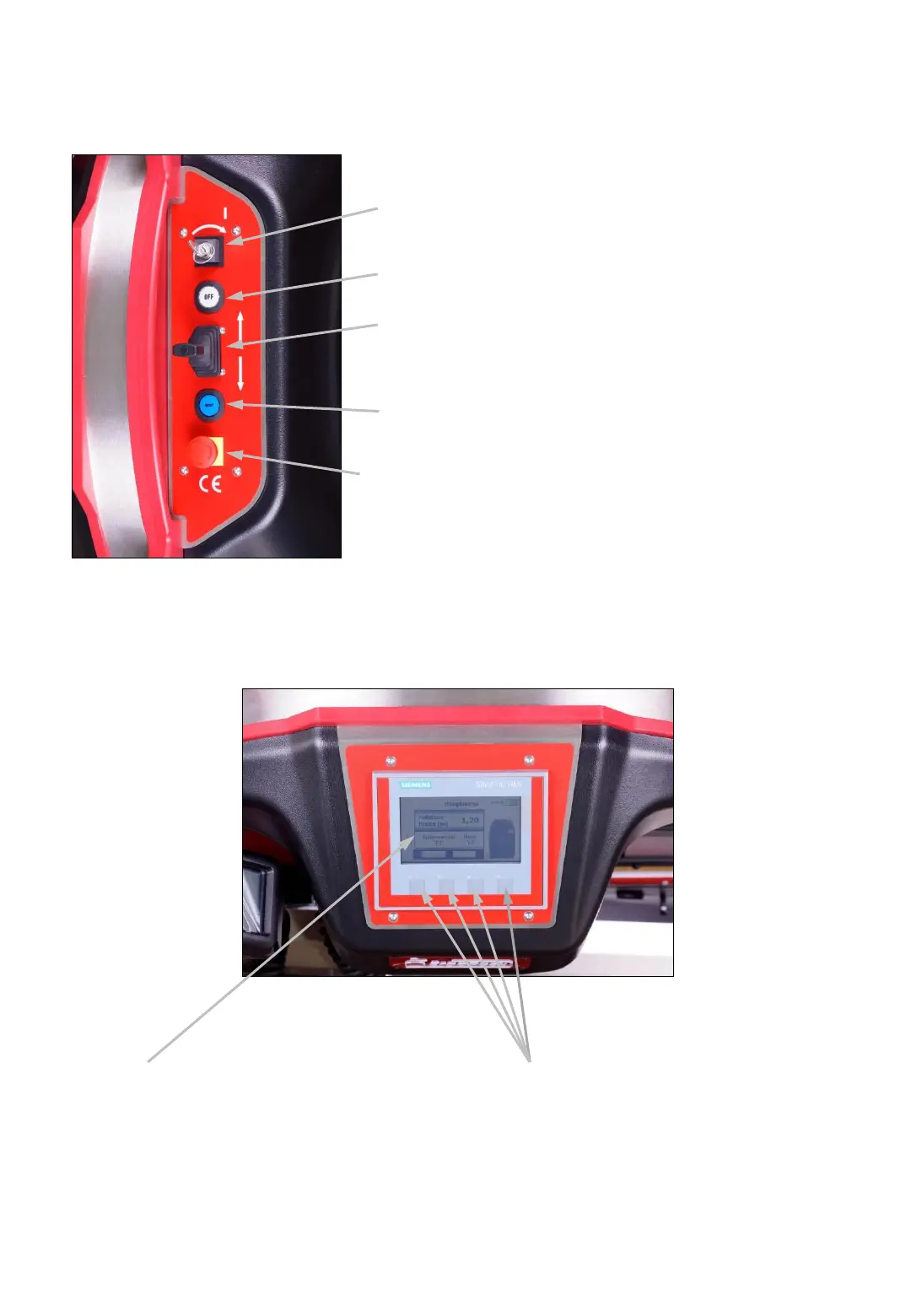
4.2 Control panel strapping system
Main switch (power supply 0/1)
OFF switch (disconnects the power supply)
Joystick (moving the ChainLance in and out with
precision speed control)
Reset switch (function check while switching on
and acknowledging of malfunctions)
EMERGENCY STOP switch (stops the strapping
system)
4.3 Touch display strapping system
Fig. 8
-14-
Function key F1 – F4:
• F2 Strap coil changing mode
• F3 Menu
Fig. 9
Touch display for setting all parameters
at the strapping system, such as pallet
width.



 To Next Page