-33-
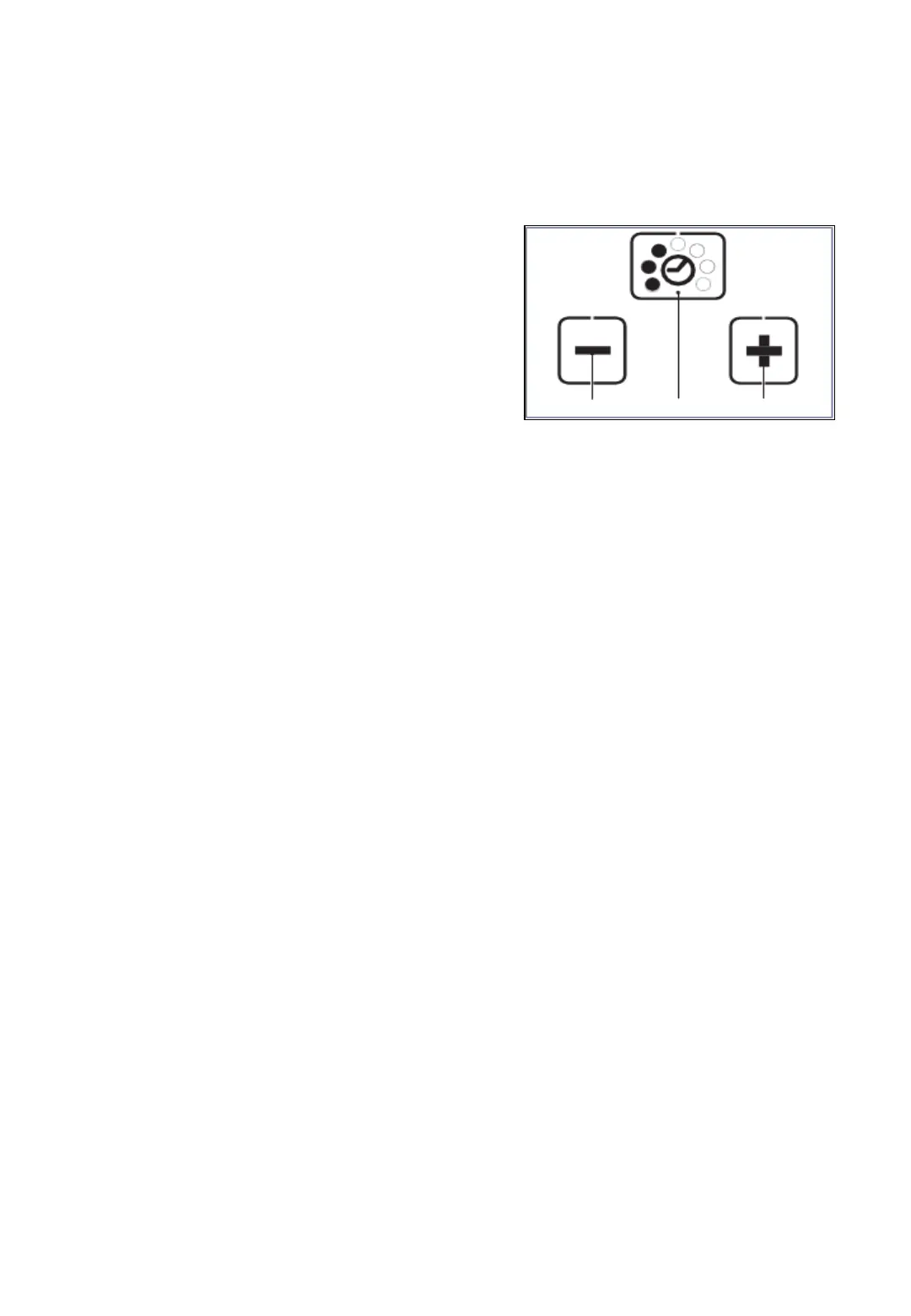
7.9 Setting welding time
The set welding time is displayed always by
filled dots, when the system is ready for operation.
Press „welding time“ button (2).
• Unused displays disappear.
• The filled dots of the current set
welding time flash for 5 seconds.
• + and – appear.
Press button + (1) or – (3) until the
required welding time appears.
Save: Press „welding time“ button (2) or wait for 5 seconds.
3
2
1



 To Next Page