IS Telecommunication Services
Model4222UserGuide 2011.doc Page 3 of 7 Revised on 3-17-11
Model 4222 Telephone User Guide
Overview
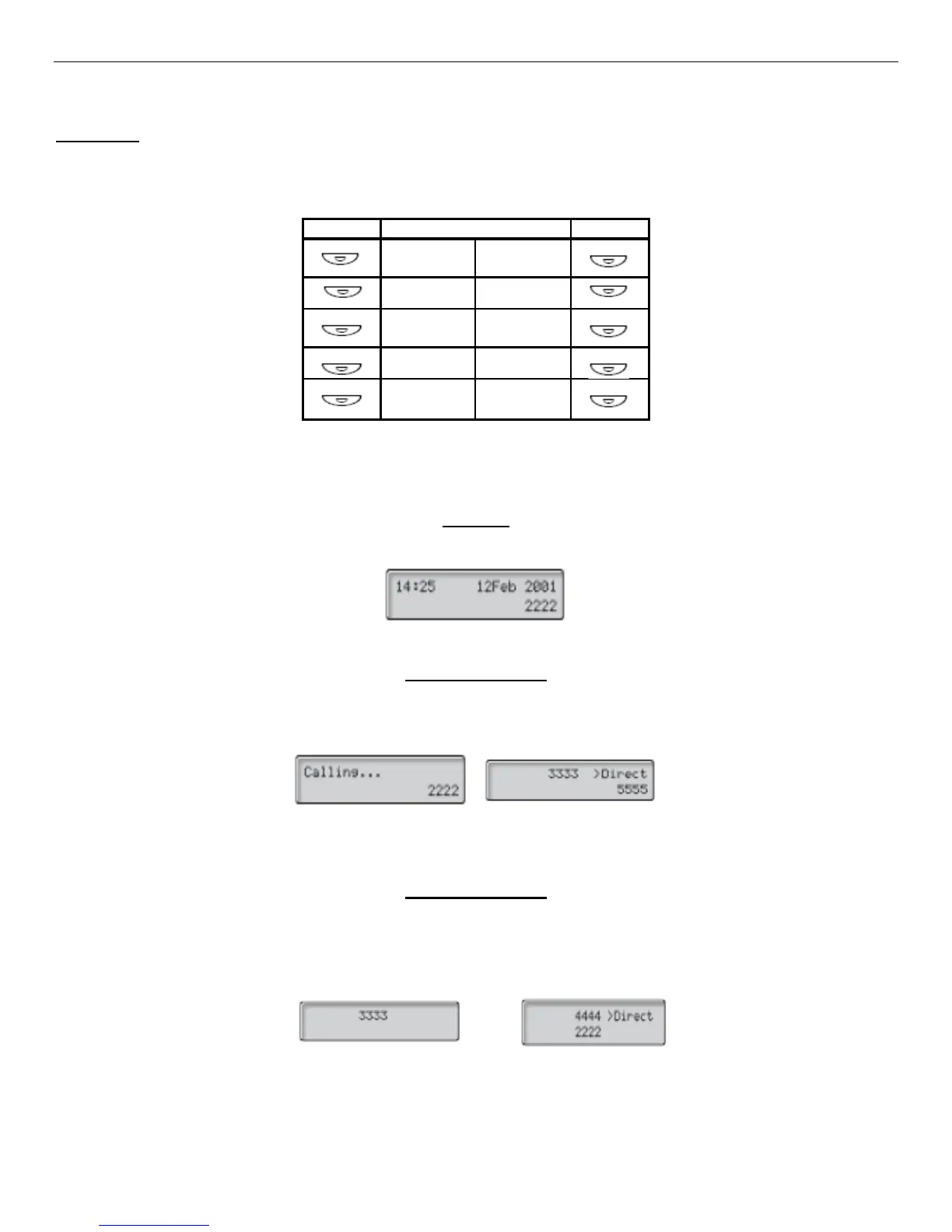
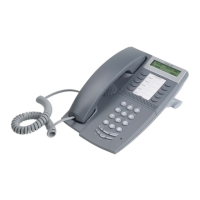
This User Guide will help you use your new phone. Your basic phone template will look like the image below. There will
be some variation if you have additional lines on your phone.
Below are examples of the display screen:
When your phone is idle, the display shows the time, date, and your extension number.
Idle View
When you make an outgoing call you will see the dialed name (if available) and the phone number dialed. If the phone is
diverted, the display will show you the call forward icon and that it is diverting. It may show you the number and name it is
diverting to (if available).
Outgoing Call View
When you receive an incoming call, the screen will display the incoming number. You may see the calling party’s name if
available. If the call is coming from a diverted extension, you will see the originating name as well. In this example,
number 2222 has dialed 4444 and the 4444 is directly diverted to you.
Incoming Call View







 To Next Page