- 15 -
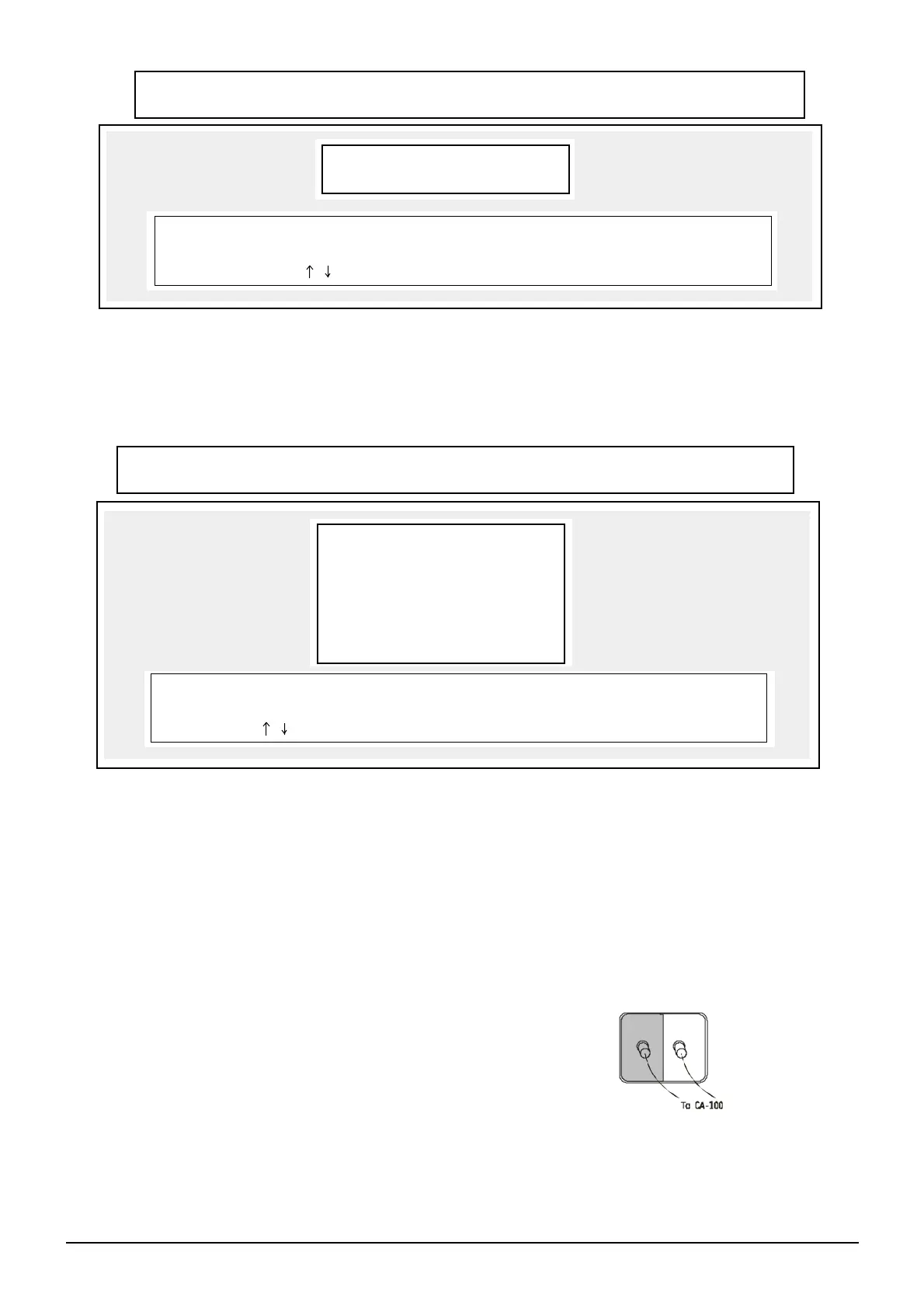
This is the main menu for adjustment and the different data can be changed and viewed.
It consists of following functions.
A. WHITE BALANCE ADJUSTMENT D. PC SELF TEST
B. SETUP E. WHITE BALANCE PARAMETER SETUP
C. READ EEPROM F. EXIT
P1 P2
Function A: WB AUTO ADJUST
Before enter to WB AUTO ADJUST, make sure the WB setup (Function E) is fulfil your adjustment requirement.
Procedure:
1. Check WB setup and to define standard and tolerance.
2. Connect the colour Analyzer — Minolta CA-100 to the computer (COM 1).
3. Turn on the TV set and receive the White-Grey signal.
4. Connect the adjustment cable to the TV set IIC interface
5. Press Space Bar, the computer will DISPLAY "Please adjust screen Voltage, space Bar to continue". Now change
to TV service mode and adjust the
screen voltage until a dim line on the screen, then back to normal mode.
6. Put the colour probe 1 to the low luminance side and colour probe
2 to the high luminance side of the screen. (It is better to place
near the center of the screen.)
7. Press Space Bar to start WB adjustment.
ZHONG SHAN KAWA ELECTRONIC RESEARCH & DEVELOPMENT CENTER
AUTO ADJUSTMENT FOR COLOUR TV SET (VERSION V1.00 FOR)
CPU Program Name:
UBM UBMT
Your Computer is: PC/AT 80386 33MHz
If Information of Your Computer not Right, Please Run SELF TEST.
Use , Key to Select Options, Enter to Confirm or Esc to Quit.
(A) WB AUTO ADJUST
(B) SETUP EEPROM
(C) READ EEPROM
(D) PC SELF TEST
(E) WB PARMS SETUP
(F) EXIT TO DOS
Your Computer is: PC/AT 80386 33MHz
If Information of Your Computer not Right, Please Run SELF TEST.
Use , Key to Select Options, Enter to Confirm or Esc to Quit.
ZHONG SHAN KAWA ELECTRONIC RESEARCH & DEVELOPMENT CENTER
AUTO ADJUSTMENT FOR COLOUR TV SET (VERSION V1.00 FOR)


 To Next Page