- 16 -
If the WB adjustment is success, the computer will display "Finished to adjust white Balance" and show all value
and adjustment time used, then the user must put off the adjustment cable from the TV IIC interface now. Then
repeat from the step 3 for another TV set adjustment.
If the adjustment cannot be finished within your preset time limit, the computer will display "Sorry, adjustment
stopped!" and the adjustment is failed. It is better to call technician to check the TV hardware if the adjustment
failed several times.
Function B: Setup EEPROM
The function: "SETUP EEPROM" is used for writing a date file to the TV set's EEPROM.
Before to do this process, it is needed to read the date file from a TV set first, otherwise the computer will display
the warning message and back to main menu.
If you already have had Previous EEPROM file, the program will ask for select:
a) (24C02)
b) UBM/UBMT (24C04)
c) (24C08)
After EEPROM SIZE selection, it will list the data files which are the same size as the user select, the user now
need to select one of the files, and press «Enter» to confirm writing the data to TV set's EEPROM.
* Remark: "SETUP EEPROM" will overwrite all the data in EEPROM. Please make a data backup before
to do this process.
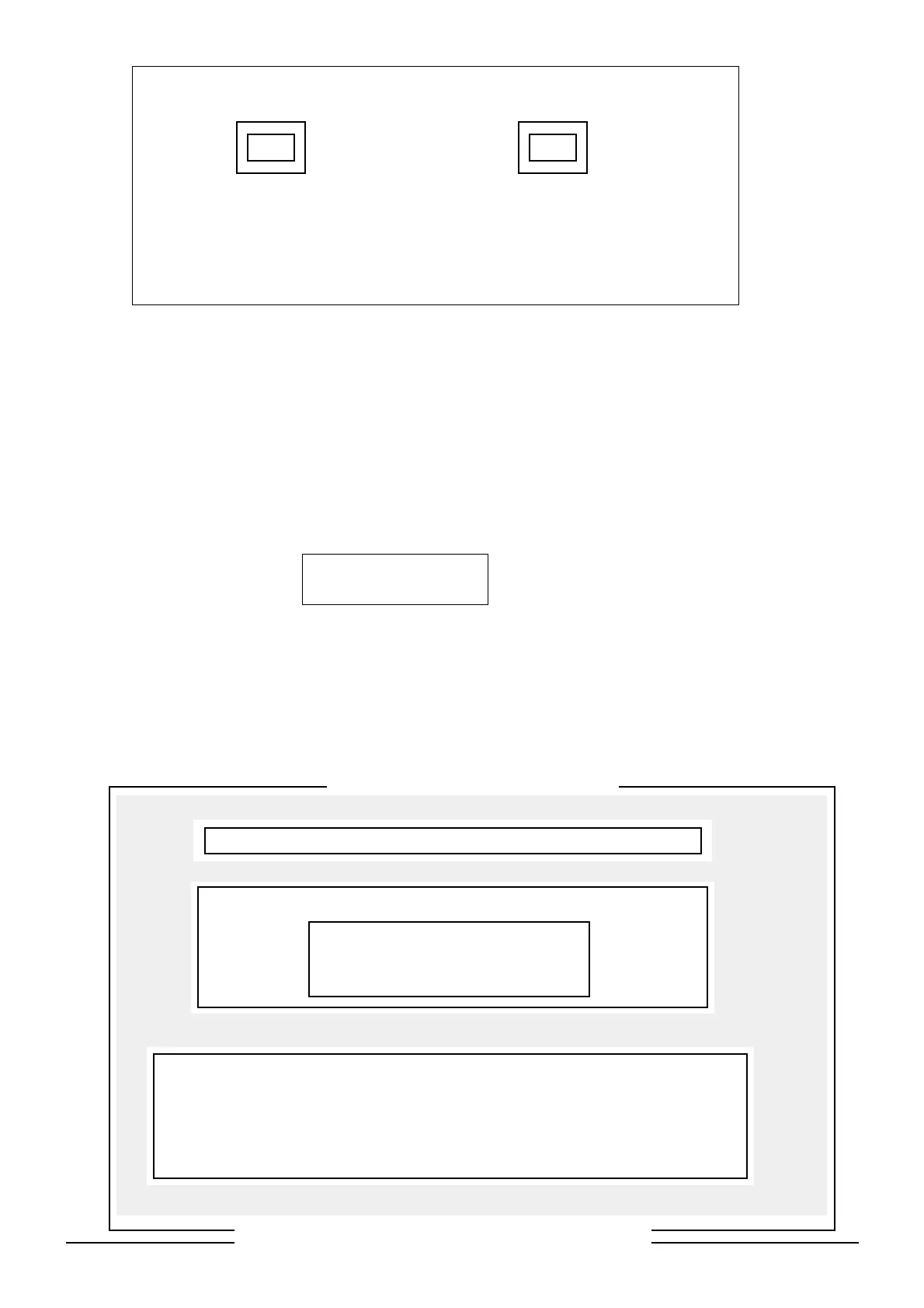
Colour TV Cahnnel Parameter Setup
Please Select What Kinds of EEPROM You Want to Setup
(24C02)
UBM/UBMT (24C04)
(24C08)
INFORMATION
There are 1 kind in the disk only, so you have not choice to select another. If it
is what you need, please press Enter, start to send DATA to EEPROM. Other-
wise, please press ESC to quit, run READ EEPROM and get new channel
DATA from good color TV.
Use Enter to Confirm, Esc to Quit, to Select
Search: ST24C0X DATA FILE
Channel File not Found!
Press enter to Continue.
Automatic White Balance Adjustment for UBM
Parameter: COM1: 9600, E, 7, 2 / PAL / Probe1 = Low, Probe2 = High
LOW
HIGH
STD TEST STD TEST
x = 288 x = x = 288 x =
y = 298 y = y = 298 y =
Y = 7.5 Y = Y = 160 Y =
Press Space Bar to Continue.
++


 To Next Page
 Loading...