12
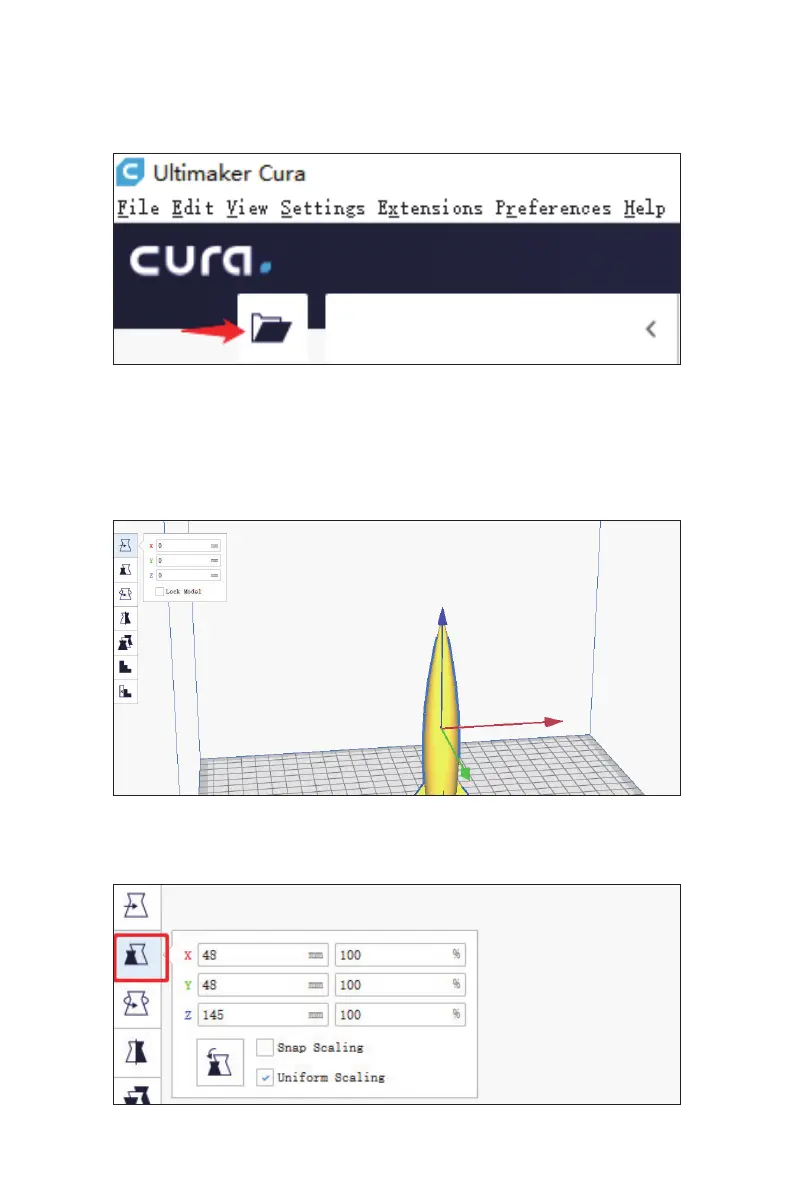
Click this icon to import the stl le
When you import the stl le nished, you need to adjust your model.
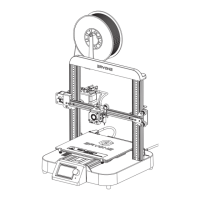
Move your model:
Left click the model→Click the arrow to adjust your model
Red arrow is X axis,Green arrow is Y axis,Blue arrow is Z axis
5.3 Load printing model
5.4 Slice the model
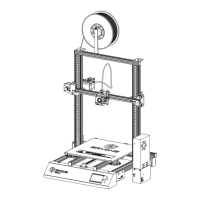
If you nd the model is too small or too big
You can click this icon to scaling your model:
Scale
Eryone thinker SE


 To Next Page