Page 33
Eseye | + 44 1483 802501 | +1 512-813-0599 | +27 87 551 8200 | +33 9 87 67 53 36 | +61 8 9551 5200
Eseye, AnyNet and Eseye Logos are registered trademarks of Eseye Ltd © Eseye 2017 Limited. All Rights Reserved
enquiries@eseye.com | eseye.com
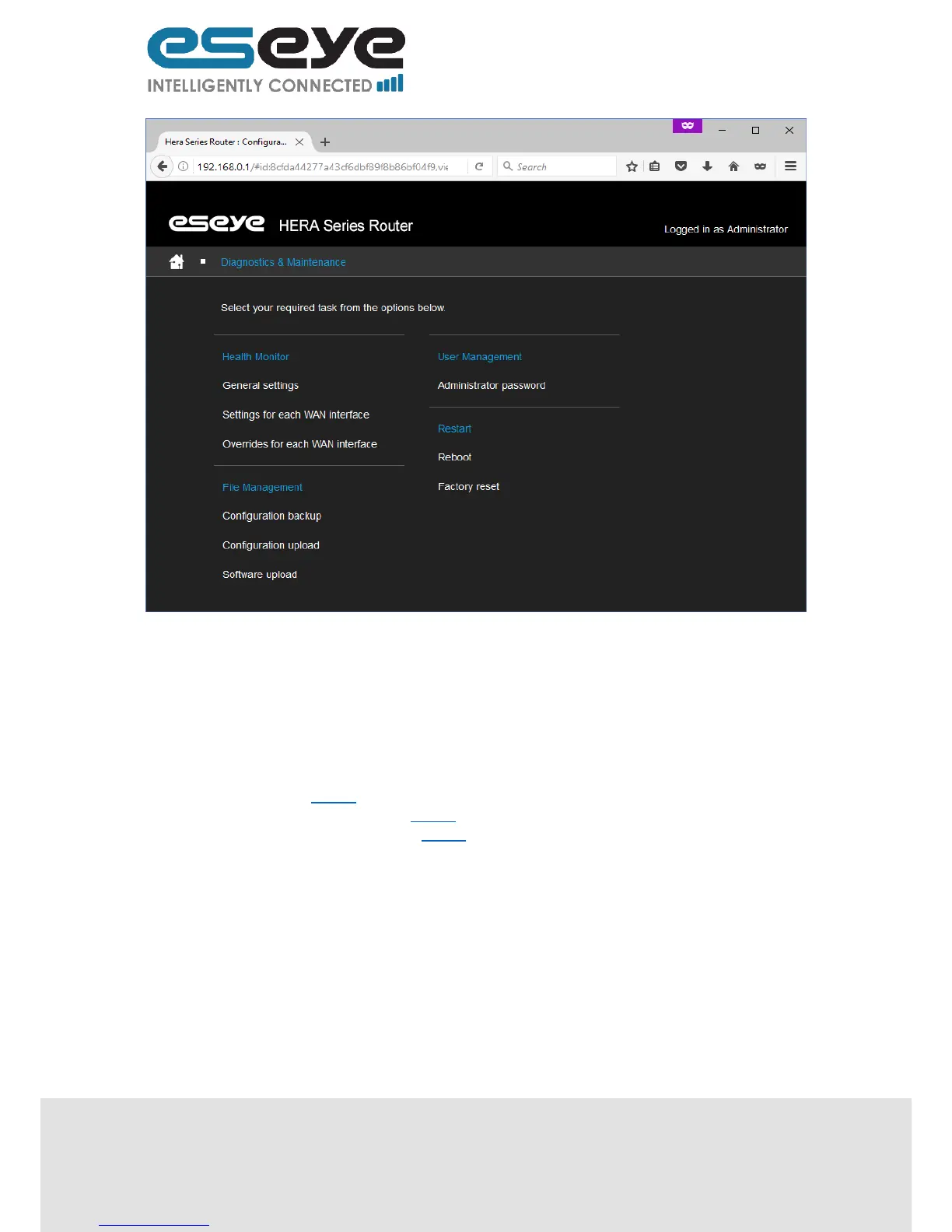
3.8.1 Health Monitor
The Heath Monitor is an application designed to continually check that a connection is performing as
expected.
When the Heath Monitor detects a change in the performance of a connection the Health Monitor can
alter the connectivity preferences to enable seamlessly self-managing failover.
There are three linked pages under the Health Monitor heading:
General Settings 3.8.1.1
Settings for each WAN interface 3.8.1.2
Overrides for each WAN interface 3.8.1.3
3.8.1.1 General Settings
This page displays the following editable information:
Metric shift (text box, this is the granularity of the adjustment made by the Health Monitor to
the route cost when automatically adjusting due to a change in performance of the
connection)
Time (in seconds) between system polls by the Health Monitor (number)
Number of failed system polls before: all WAN interfaces are restarted (number)
Number of failed system polls before: the router is rebooted (number)
Method for choosing the best WAN interface (dropdown menu, options are: Priority, Round
trip time, or Priority and Round trip time)
Number of failed interface tests before: interface is restarted (number)
Number of failed interface tests before: interface is restarted with a new profile (number)


 To Next Page