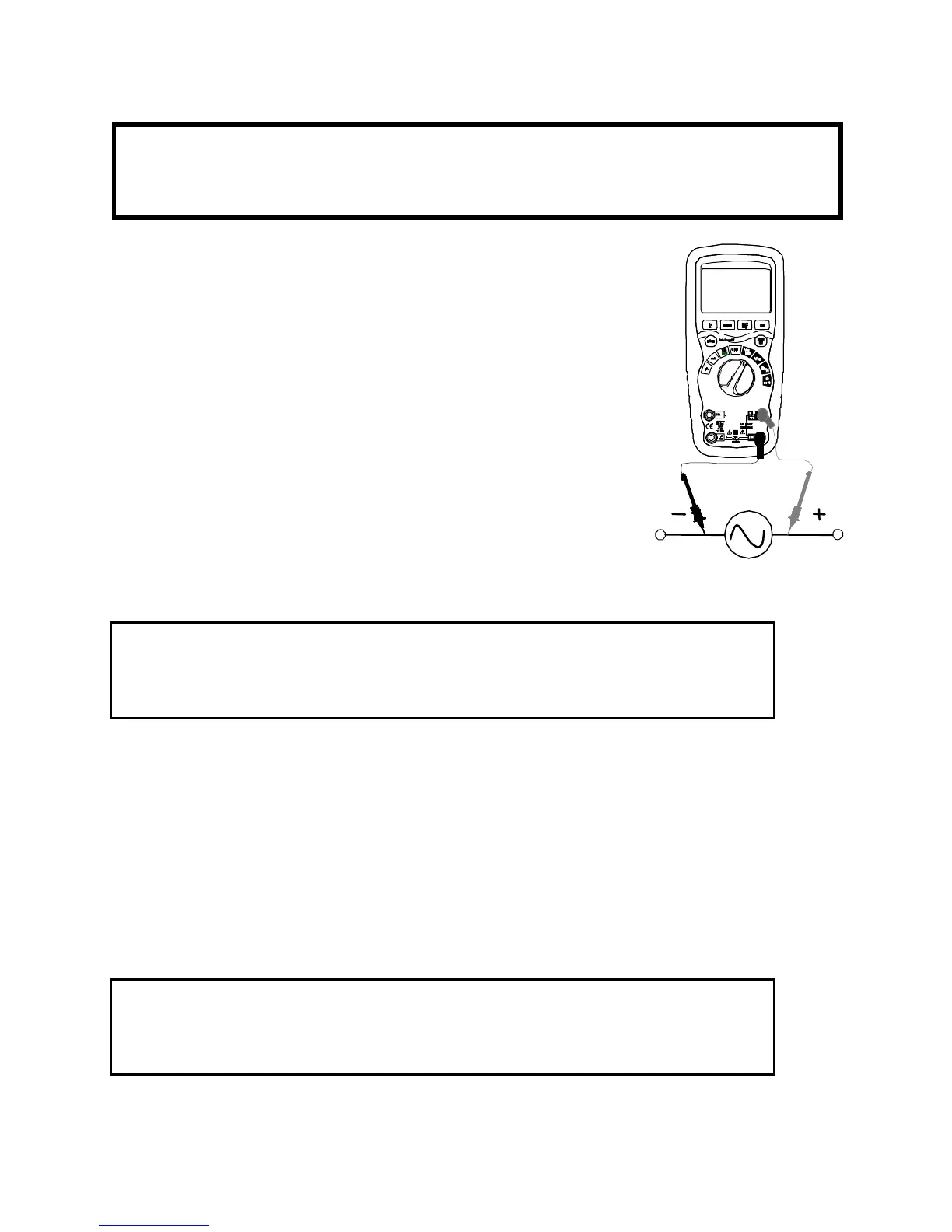
AC VOLTAGE MEASUREMENTS
CAUTION: Do not measure AC voltages if a motor on the circuit is
being switched ON or OFF. Large voltage surges may occur that
can damage the meter.
1. Set the function switch to the V position.
2. Press the MODE button to indicate “AC”.
3. Insert the black test lead banana plug into
the negative COM jack.
Insert red test lead banana plug into the
positive V jack.
4. Touch the black test probe tip to the neutral
side of the circuit.
Touch the red test probe tip to the “hot” side
of the circuit.
5. Read the voltage on the display
Non-Contact AC Voltage Detection
1. Set the function switch to the V position.
2. Place the top end of the multimeter at the hot conductor or at the
hot side/front of the electrical outlet.
If AC voltage is present, the detector light will illuminate.
NOTE: The conductors in electrical cord sets are often twisted. For
best results, run the top end of the DMM along a length of the cord to
to assure that the sensor is in close proximity to the live conductor.
NOTE: The detector is designed with high sensitivity. Static electricity
or other sources of energy may randomly trip the sensor. This is
normal.
AC/DC CURRENT MEASUREMENTS



 To Next Page